www.Siargo.com MF5806E1 User Manual 18 | Page
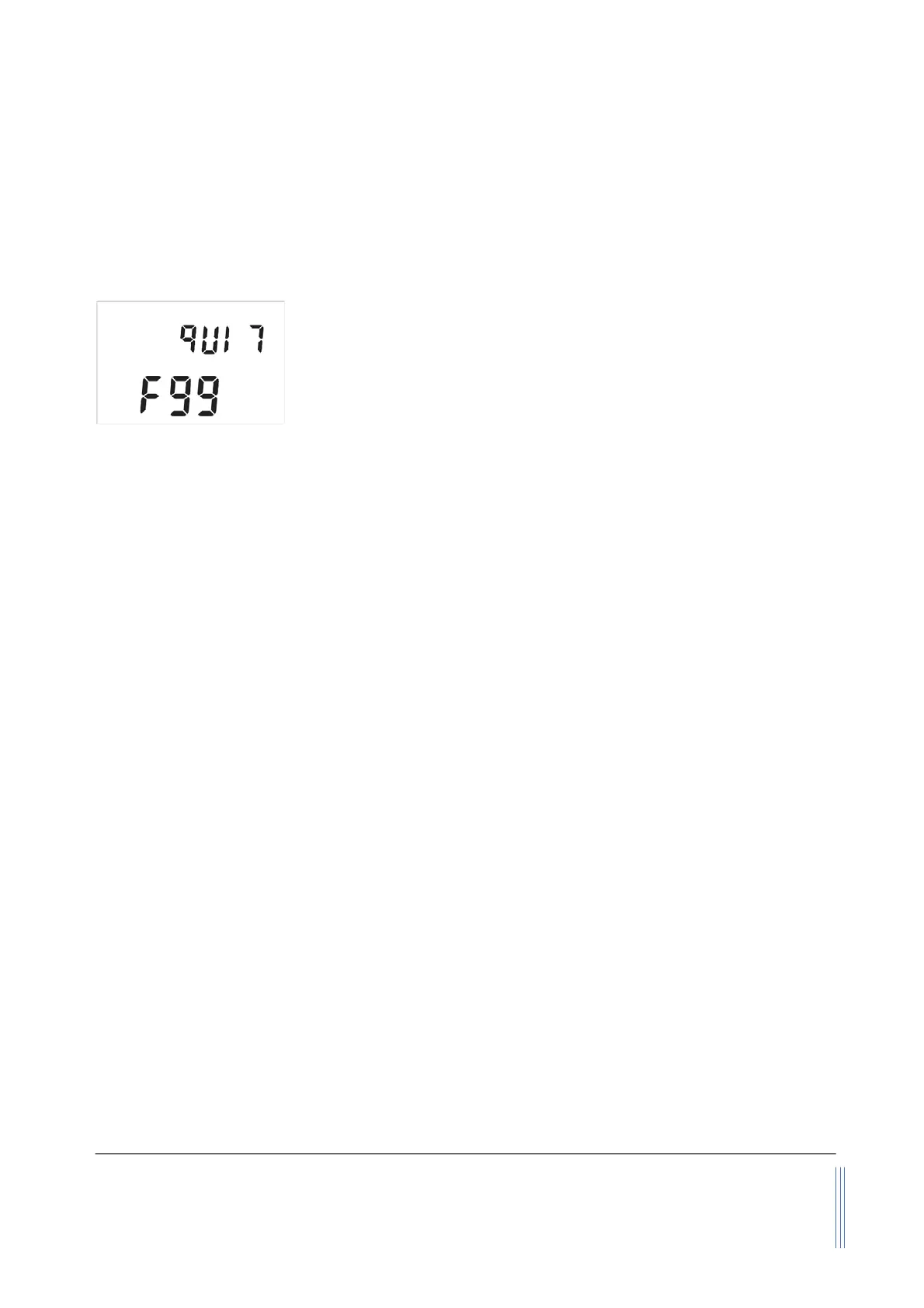
“Up” or “Down” key to select F99 - qUIT and the “M” key to exit the MENU and return to the Main
Display screen.
5.4.14 Exit the MENU
At the MENU settings, use the “Up” or “Down” key to select the F99 -
qUIT option and press the “M” confirming key to exit the MENU
settings and return to the Main Display screen.
5.4.15 Sleeping mode
When the meter is powered by batteries, it is necessary to enable the sleeping mode for the power
saving to allow a longer operation time.
The meter is programmed with an automatic sleeping mode that will automatically shut off the
display and the control circuitry is at minimal power consumption. This mode will be executed when
the continuously measured flow rate is zero for 5 minutes.
The meter can also be turned into sleep mode manually via pressing the “Up” key for 3 seconds.
5.4.16 Wake up the meter
When the meter is in sleeping mode, it will automatically wake up if the flow rate in the flow channel
is larger than 0.5 L/min for 10 seconds. Or the meter can be waked up manually by pressing any of
the three keys on the front meter face.


 To Next Page