53
are used to calculate the measurement results for all steps. With
this setting, the fit test can be performed in a short time.
Next Test Due in Set the due date of the next measurement (0-24 months).
Step/Excl This button toggles the display between the step number and “/”
with each click.
With “/” displayed, the step is excluded from the calculation of the
average of the measurement results.
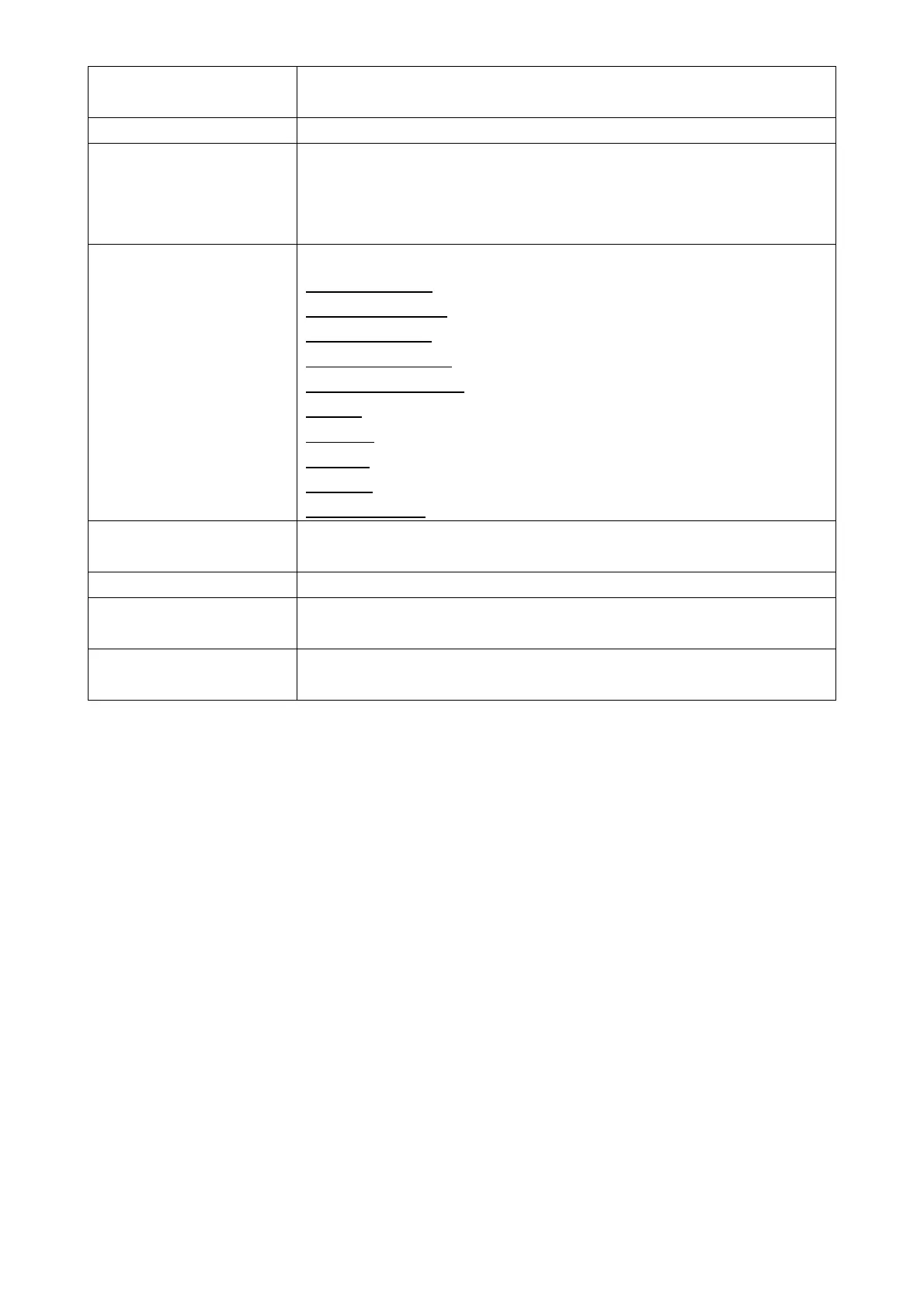
Exercise Select an operation that the subject performs in the step.
End of Exercise
Normal Breathing
Deep Breathing
Head Side to Side
Head Up and Down
Talking
Grimace
Jogging
Bending
Other Exercise
Mask sample time Set the length of time to count particles inside the mask (3-99
seconds).
Total Display the total time of measurements.
Factory Reset Protocol Return the settings of the selected protocol to the factory default
and set the default settings as the measurements.
Save Save the information of the edited protocol.
Set the selected protocol as a measurement item.



 To Next Page