7
3 Installing Software
3-1 Installing Communication Software
For this operation, administrative rights may be required depending on the OS you use.
You are required to uninstall (delete) the software when re-installing or upgrading it. (See 4
Uninstalling Software).
The software launches automatically when the "SIBATA Fit Test Software "CD-ROM is
inserted into the CD drive of the PC. Follow the on-screen instructions to install the software.
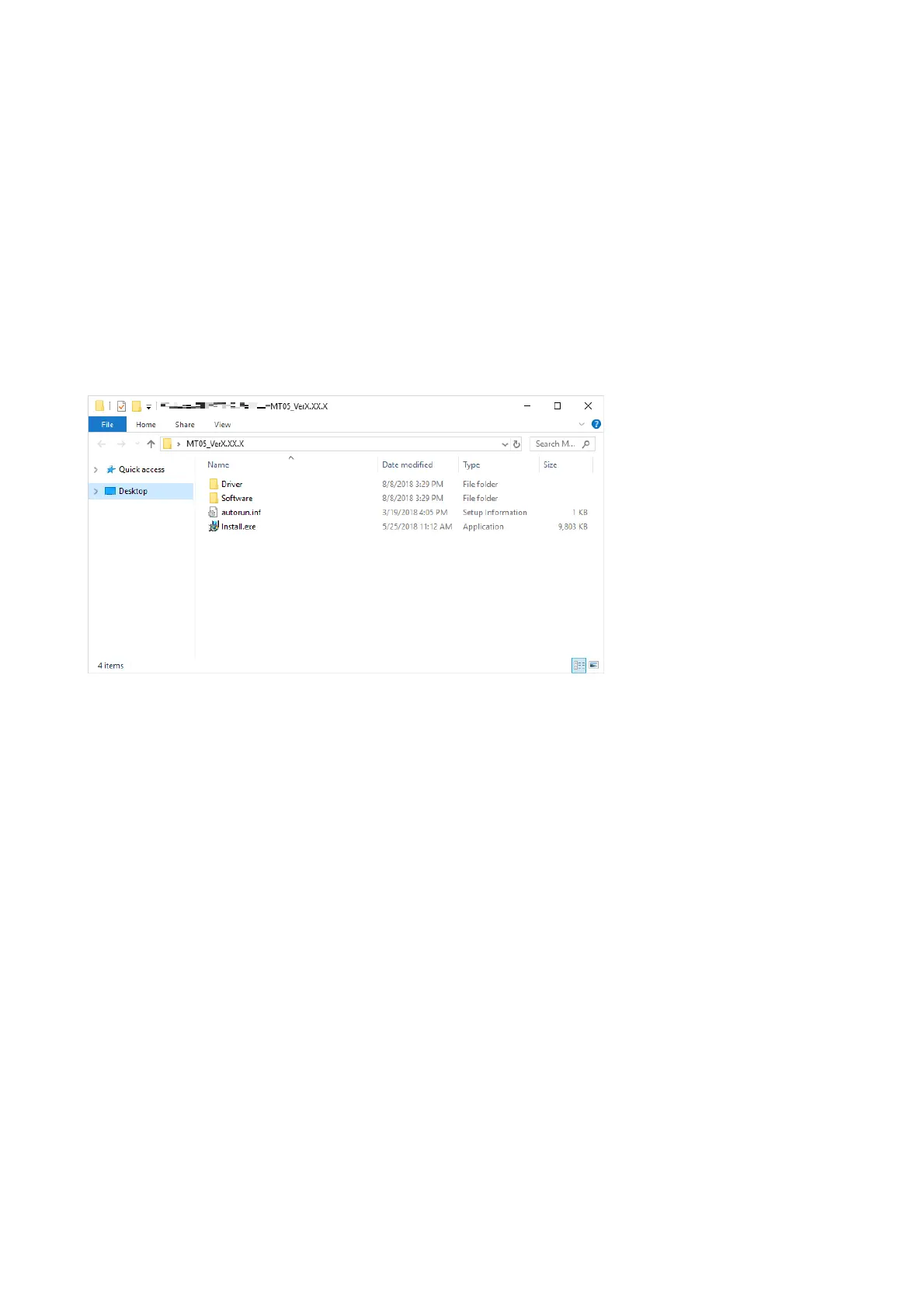
If it does not run automatically, use Windows Explorer to navigate to the CD-ROM directory,
and run "Install.exe".
If the following message appears, confirm that “SIBATA FitTest Software Install” is displayed
and click [Yes].
“User Account Control
Do you want to allow this app to make changes to your device?”



 To Next Page