46
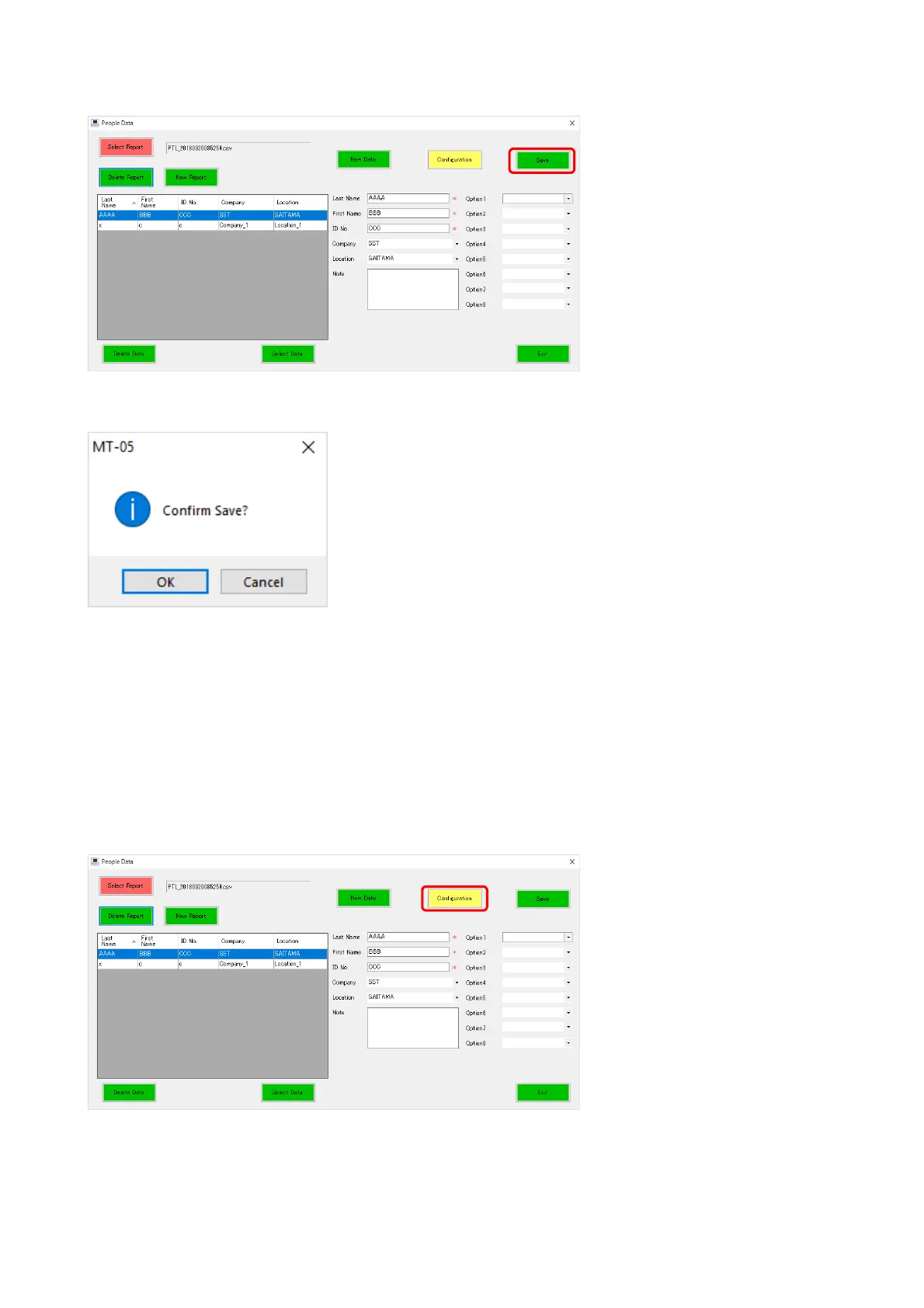
Once you have filled in the fields, click the [Save] button, then the data are saved and displayed
in the list. You can also edit the saved data from the list.
When you click the [Save] button after editing the information, a confirmation message appears.
Clicking [OK] overwrites the data.
14-1 Configuration
This function allows you to change the Custom label name and create/edit the drop-down list
of the Company, Location, and Custom fields.
The following shows how to change the Custom label name and create the drop-down list of
the Company, Location, and Custom fields.
Click the [Configuration] button.



 To Next Page