°
W
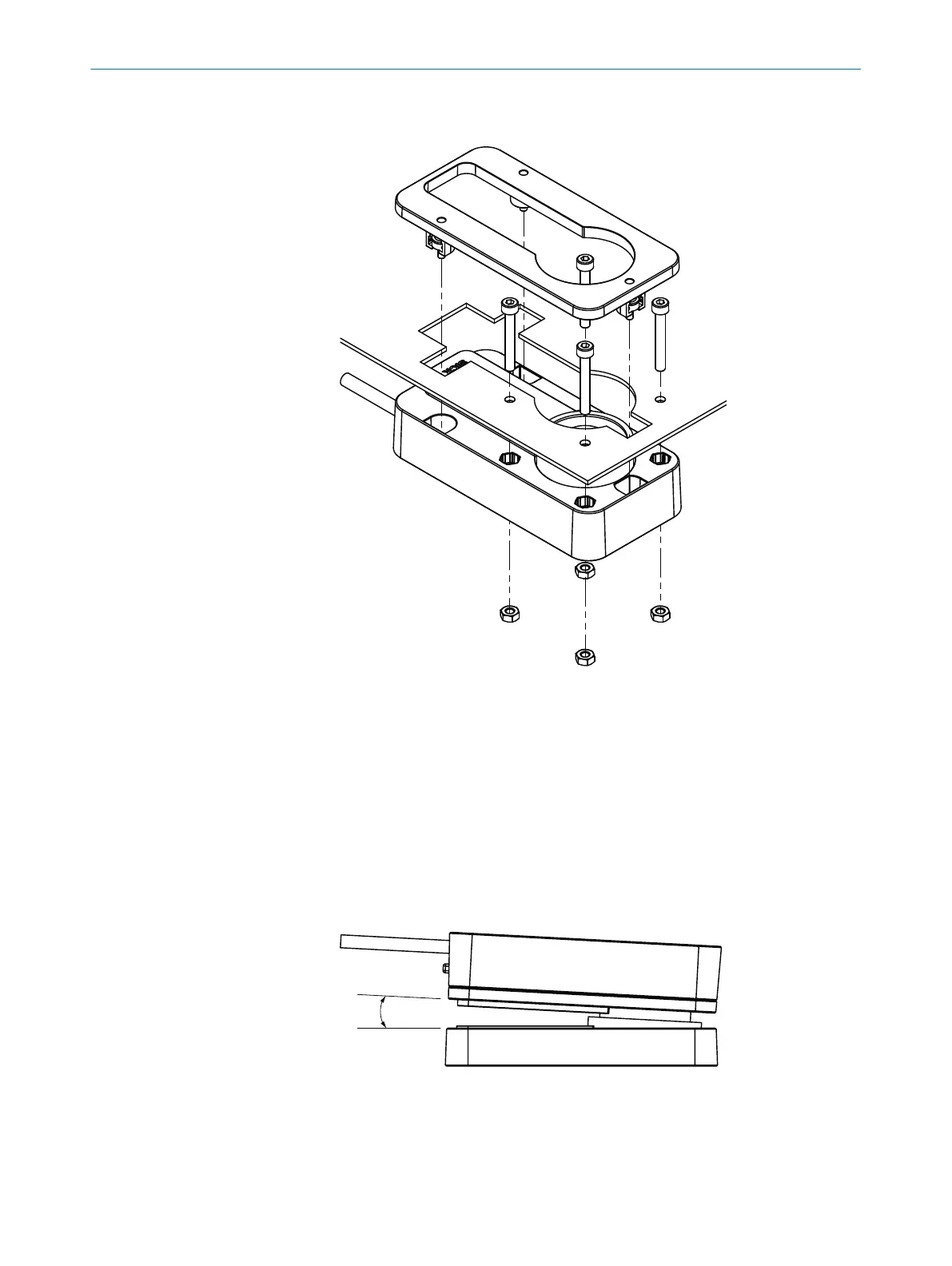
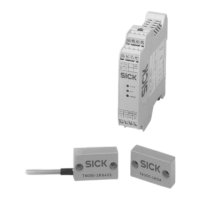
ith surface mounting: mount the sensor in the fixed part of the protective
device:
Figure 9: Flush mounting
Tightening torque: 1 Nm.
3. Set cover plate on the sensor.
4.
Tighten the fixing screws. Tightening torque: 0.8 Nm.
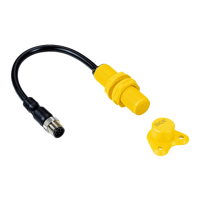
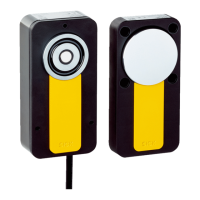
Mounting the actuator
1. Align the actuator to the mounted sensor.
2. Mount the actuator on the moving part of the protective device (e.g., door) with 4 x
M4 screws. Tightening torque: 1 Nm. Use disposable screws if possible.
°
Maximum deviation between sensor and actuator: 5 mm.
°
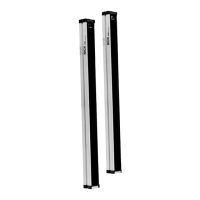
Maximum angle between sensor and actuator when protective device is
closed: 3°
Figure 10: Maximum angle between sensor and actuator
3. Cover drill holes of the actuator with protective caps.
5 MOUN
TING
22
O P E R A T I N G I N S T R U C T I O N S | MLP1 8020169/ZJN1/2018-03-21 | SICK
Subject to change without notice


 To Next Page