3
D-Sub HD, 15-pin
4
M12, 17-pin
5
M12, 12-pin
2. Connect the CDF600-22xx to a 24 V power supply.
3. Set the rotary encoding switch found on the side of the CDF600-22xx to "2".
To connect using open-ended cables and connection terminals:
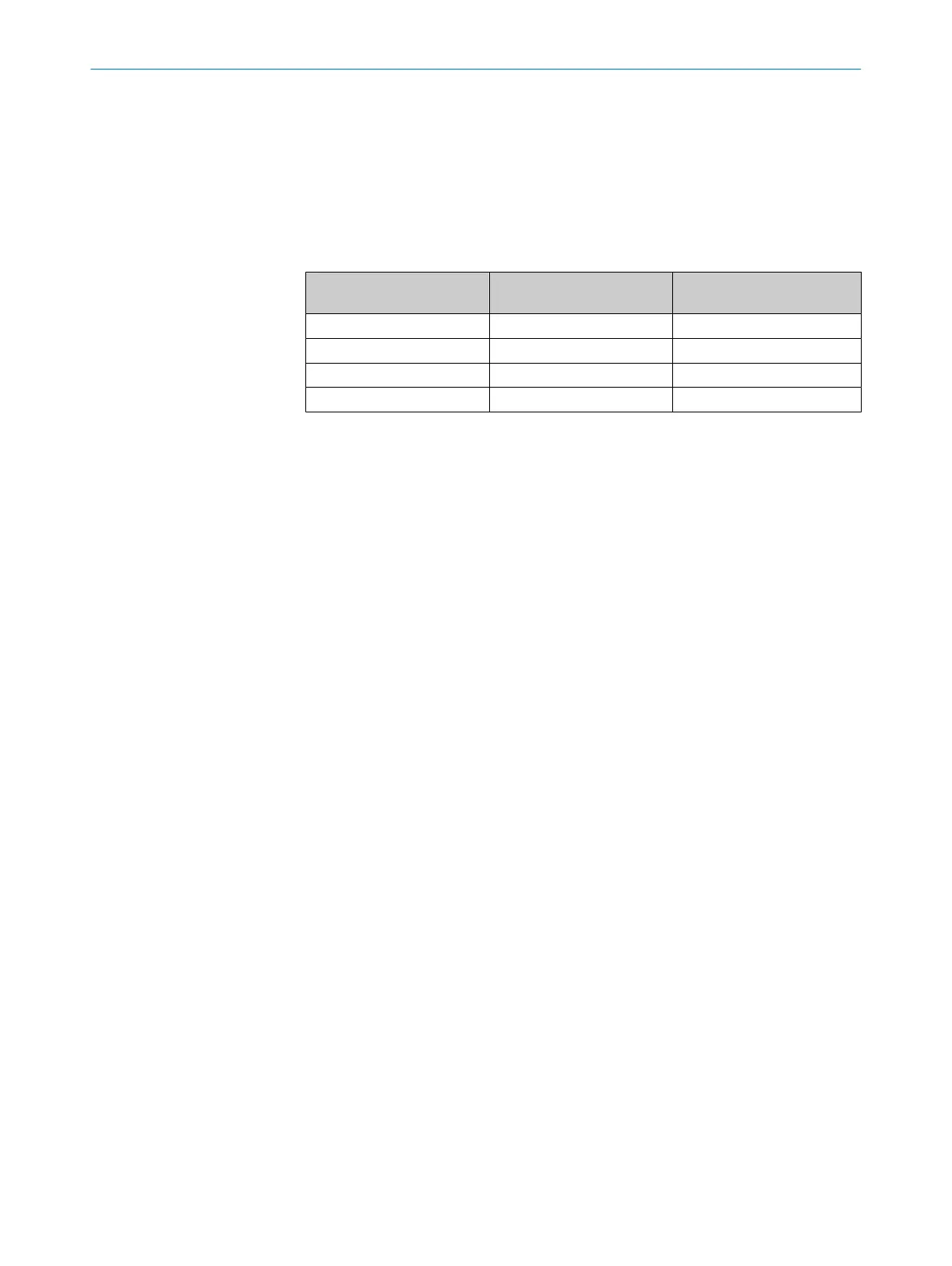
1. Connect the pins according to the table below.
Pin on TriSpectorP1000
(Power I/O connector)
Pin on CDF600-2200
(DEVICE connector)
Connection type
Pin 11 Pin 2 Serial (RX to TX)
Pin 12 Pin 3 Serial (TX to RX)
Pin 2 Pin 5 GND to GND
Pin 1 Pin 1 24 V to 24 V (optional)
1
1
The 24 V to 24 V connection allows the TriSpectorP1000 to be powered by the CDF600-22xx.
2. Set the rotary encoding switch found on the side of the CDF600-22xx to "2".
Further information
For information about configuration and operation of the CDF600-22xx, see the
CDF600-2xxx product page, www.sick.com/CDF600-2. The following information is
available there:
•
Technical information
•
Function blocks (including documentation) for sending strings to and from the
CDF600-22xx using Profinet and Profibus
ANNEX 12
8022395/19OK/2020-12 | SICK O P E R A T I N G I N S T R U C T I O N S | TriSpectorP1000
49
Subject to change without notice









 To Next Page