SR882 operation manual
~ 23 ~
blinks on screen.
►Press “+” “-” button to adjust pump running time
► Press “ESC” to exit this set
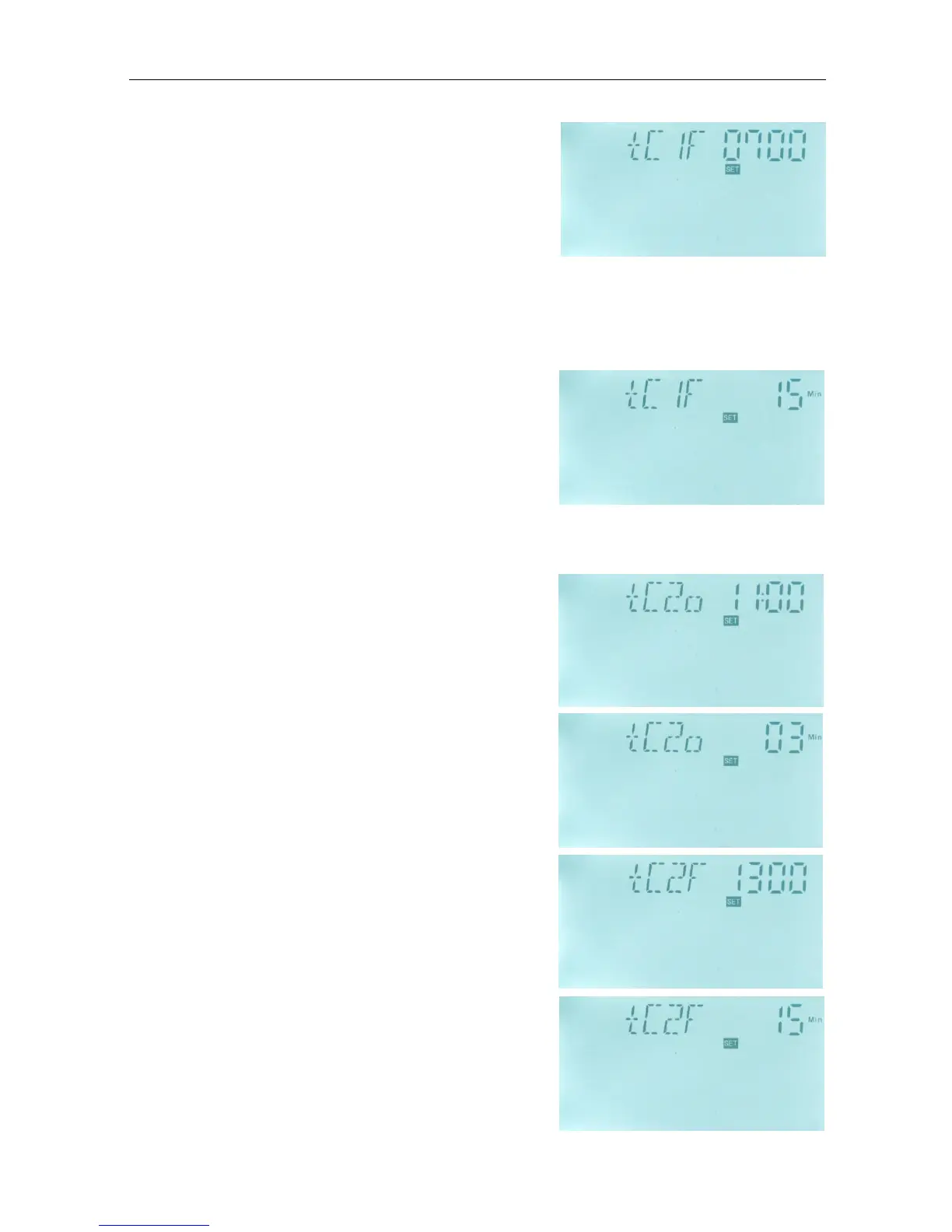
► Press “+” button, “tC 1F 07:00”appears, now can set
the first turn-off time.
► Press “SET” button again, “07” of hour time blinks
on screen.
►Press “+” “-” button to adjust hour of time.
►Repress “SET” button, “00” of minute time blinks on screen.
►Press “+” “-” button to adjust minute of time.
►Repress “SET” button, “15 Min” of pump stop time
blinks on screen.
►Press “+” “-” button to adjust pump stop time
►Press “ESC” to exit this set program, parameters are
saved automatically
-----------------------------------------------------------------------------------------------------------------------
► Press “+” button, “tC 2o 11:00”appears, now can
set the second turn-on time.
► Press “SET” button again, “11” of hour time blinks
on screen.
►Press “+” “-” button to adjust hour of time.
►Repress “SET” button, “00” of minute time blinks on
screen.
►Press “+” “-” button to adjust minute of time.
►Repress “SET” button, “03 Min” of pump running
time blinks on screen.
►Press “+” “-” button to adjust pump running time
► Press “ESC” to exit this set
►Press “+” button, “tC 2F 13:00”appears, now can set
the second turn-off time.
►Press “SET” button again, “13” of hour time blinks
on screen.
►Press “+” “-” button to adjust hour of time.
►Repress “SET” button, “00” of minute time blinks on
screen.


 To Next Page