7Last update: 03.2014
Operating instructions
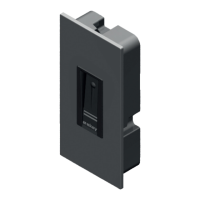
KFVkeyless
3 Managing Users
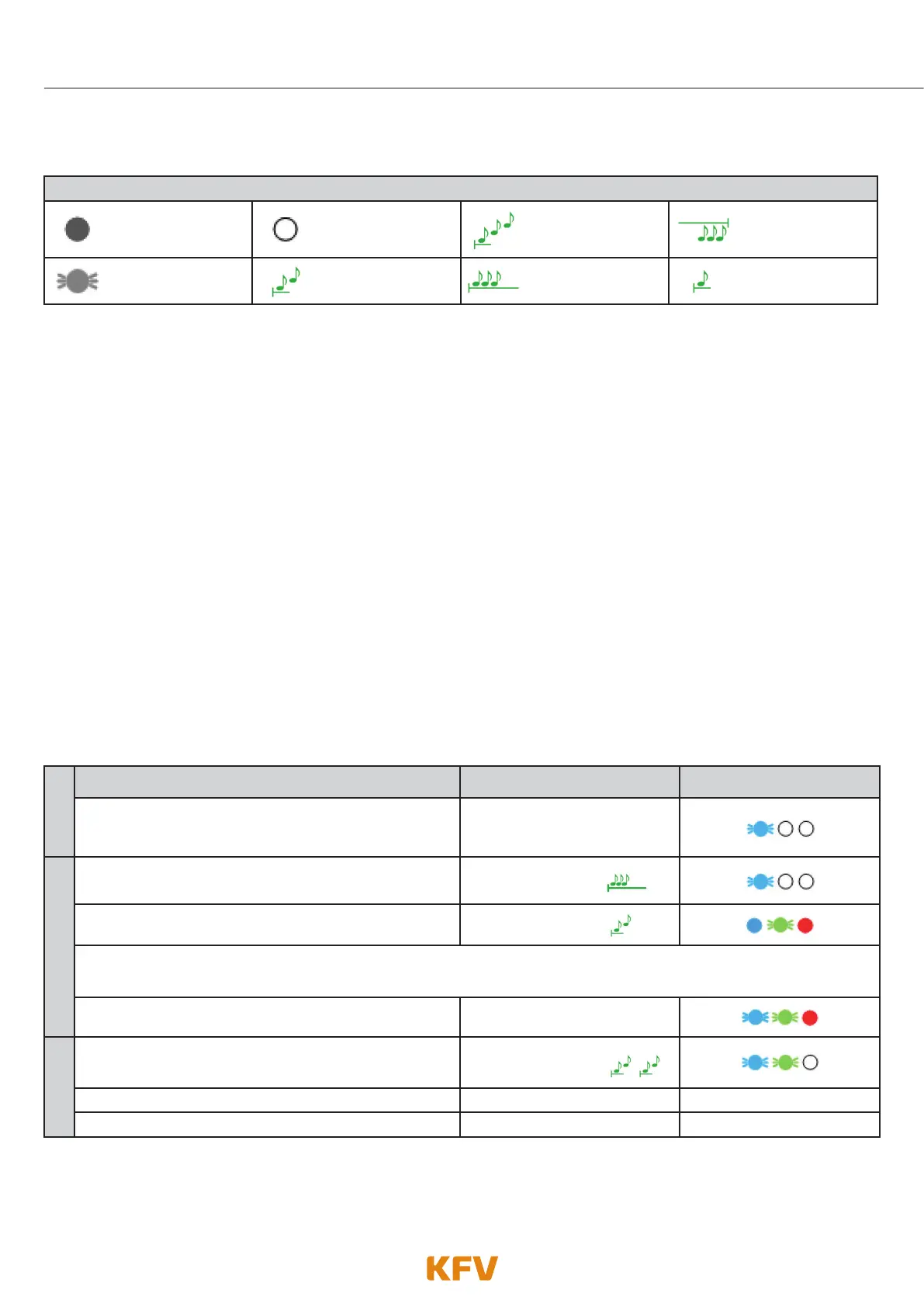
Lighting and tone signals
LED lights up LED off 3 ascending tones
A prolonged lower-
pitched tone
LED flashes or
flickers
2 ascending tones
A prolonged high-
pitched tone
A brief high-
pitched tone
3.1 Keypad code users
Up to 24 keyboard codes can be taught to the KFVkeyless. These codes must consist of at least 4 and a
maximum of 10 digits.
3.1.1 Teaching in the keyboard code
Follow the next steps to teach in a keyboard code.
Attention:
• On repetition of the procedure with the same keyboard code, the keyboard code will be deleted (see
chapter 3.1.2).
• A keyboard code, which has already been saved via the optional KFV App, cannot be taught in.
• The door PIN cannot be saved as a keyboard code.
• The programming mode is exited automatically after 3 min without any input.
• After teaching in the maximum number of 24 keyboard codes, the teaching of Bluetooth devices and/or
access via app is no longer possible!
1.
Teaching in a CODE Beeper Lighting
Enter 6-digit Door PIN on the keyboard.
Confirm procedure with OK.
Depending on the mode
selected
2.
The programming mode initialises itself.
Single prolonged
high-pitched beep
The programming mode is activated.
2 ascending tones
IMPORTANT: Wait until a tone sequence of 2 ascending tones has been emitted and the blue LEDs stop flashing
before you enter the desired keyboard code!
Enter the desired keypad code.
Beep when key is pressed
3.
Confirm procedure with OK.
The keyboard code has been successfully saved.
2 x
2 ascending tones
The programming mode has been exited automatically. ----------- -----------
The door unlocks. ----------- -----------



 To Next Page