15Last update: 03.2014
Operating instructions
KFVkeyless
5.3.2 Opening a door
The app gives you the opportunity to open the relevant door by clicking on the Smartphone.
1. Follow the instructions in chapter 5.3 "Door management".
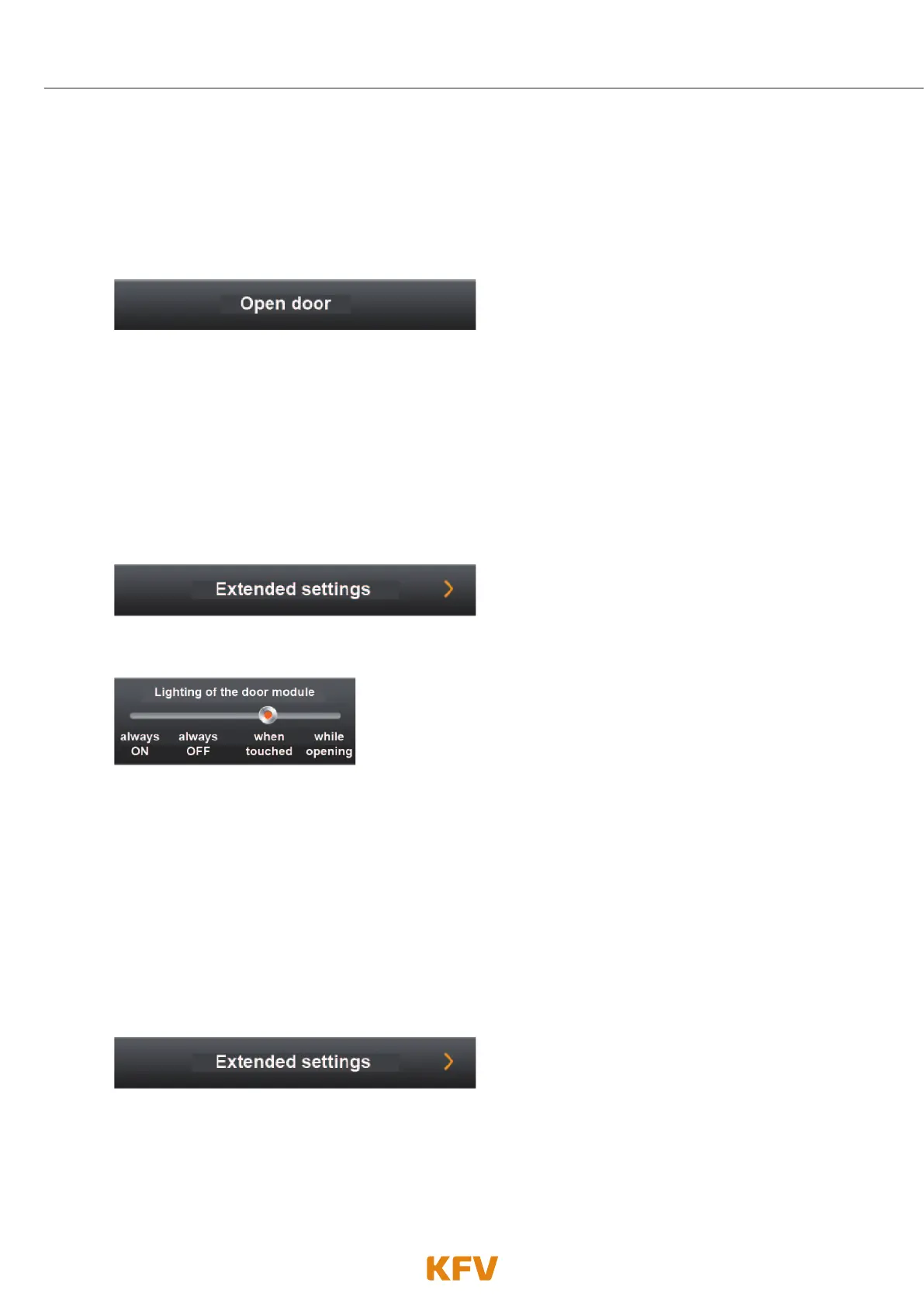
2. Click on the menu item "Open door".
3. The door opens.
5.3.3 Adjusting lighting
The lighting of the blue LEDs can be set via the app. The blue LEDs behave differently depending on the
lighting mode selected. The table on the next page shows the differences in the individual lighting modes.
1. Follow the instructions in chapter 5.3 "Door management".
2. Click on the menu item "Advanced settings".
3. You can now adjust the lighting mode as required.
4. Confirm the procedure by clicking "Save settings".
The standard lighting mode is effective "when touched".
5.3.4 Adjusting beeper
The beeper behaves differently depending on the beeper mode selected. The table on the next page shows
the differences of the individual beeper modes.
1. Follow the instructions in chapter 5.3 "Door management".
2. Click on the menu item "Advanced settings".



 To Next Page