Control via the operator panel
4.6 Menu commissioning / service
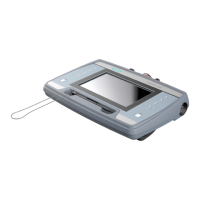
Cabinet Modules Operator Panel AOP30
Operating Instructions, 04/2014, A5E03263551A
55
When you choose this menu option, the AOP factory settings for the following are restored:
● Language
● Display (brightness, contrast)
● Operation screen
● Control settings
Note
Restoring the factory setting
When you reset parameters, all settings that are different to the factory settings ar
immediately. This may cause the cabinet unit to switch to a different, unwanted operational
status.
For this reason, you should always take great care when resetting parameters.
AOP diagnostics
Software/database version
This menu shows the versions of the firmware and database.
The database version must be compatible with the drive software status (refer to parameter
r0018).
For service purposes, the contents of the database are displayed in the screen form.







 To Next Page