Step by Step
Privacy/security
68
Locking the phone
You can lock your phone to protect it against unautho-
rized access. In this way, no one can make calls or
change your user settings unless they know your user
password.
Predefined numbers from the dial plan can still be dialed
when the phone is locked - for more information consult
your administrator.
If an emergency number is entered by administrator,
"Emergency call" appears on the display when you use
the line on a locked phone.
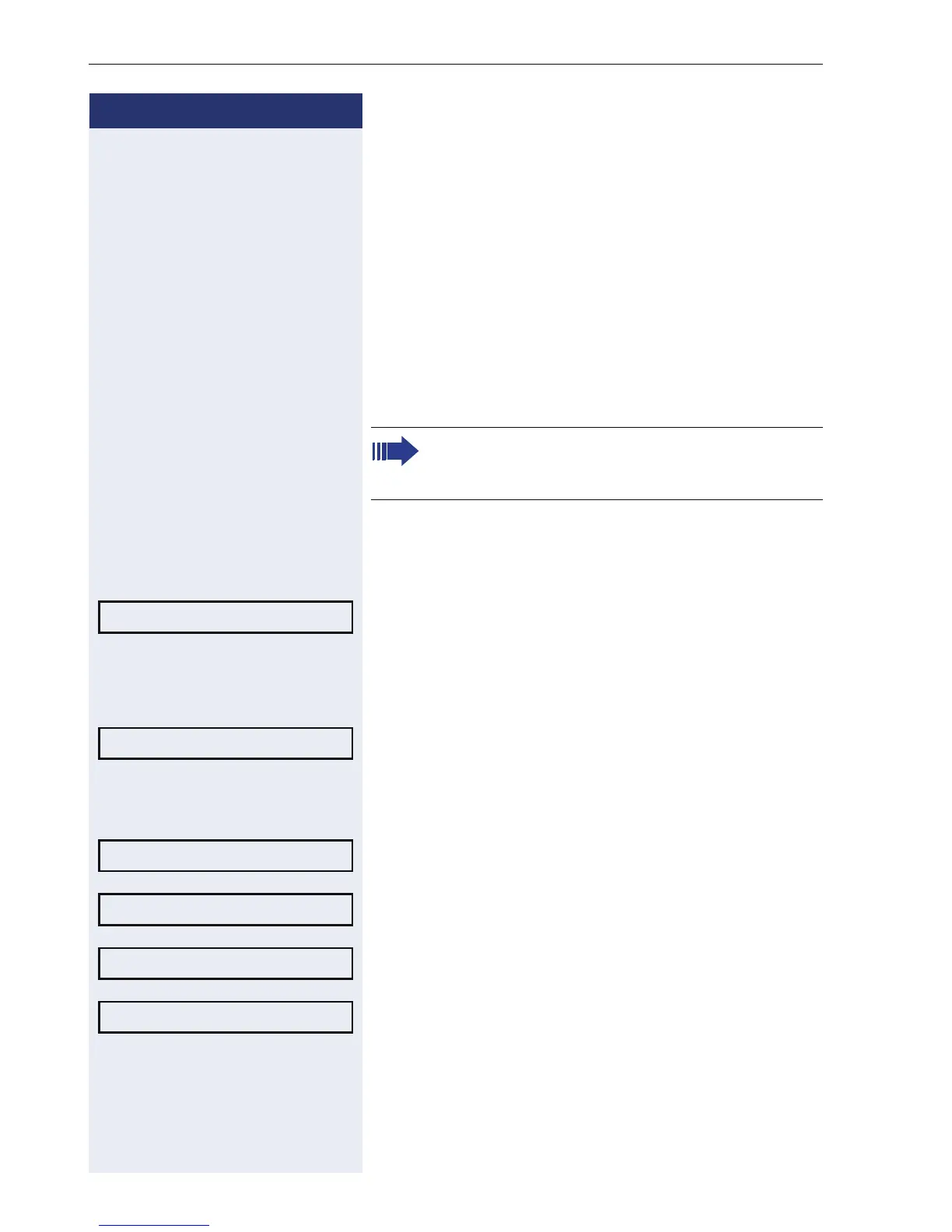
Activating the phone lock
( Hold down the key shown.
Confirm. The "Locked phone" icon appears on the dis-
play Æ page 17.
or
N Press the key shown.
Select and confirm the option shown.
j Enter and confirm the user password.
Select and confirm the option shown.
Select and confirm the option shown.
Select and confirm the option shown.
Select the option shown and confirm twice.
The phone is locked.
You can only lock the phone if you set a user
password (Æ page 66). The password for this
should not match the default "000000".
Confirm lock?
User
Security?
Phone lock = No m
Yes l
Option = Save & Exit l












 To Next Page