Step by Step
Mobility
72
Logging off from the phone
Prerequisite: You are logged on as a mobility user.
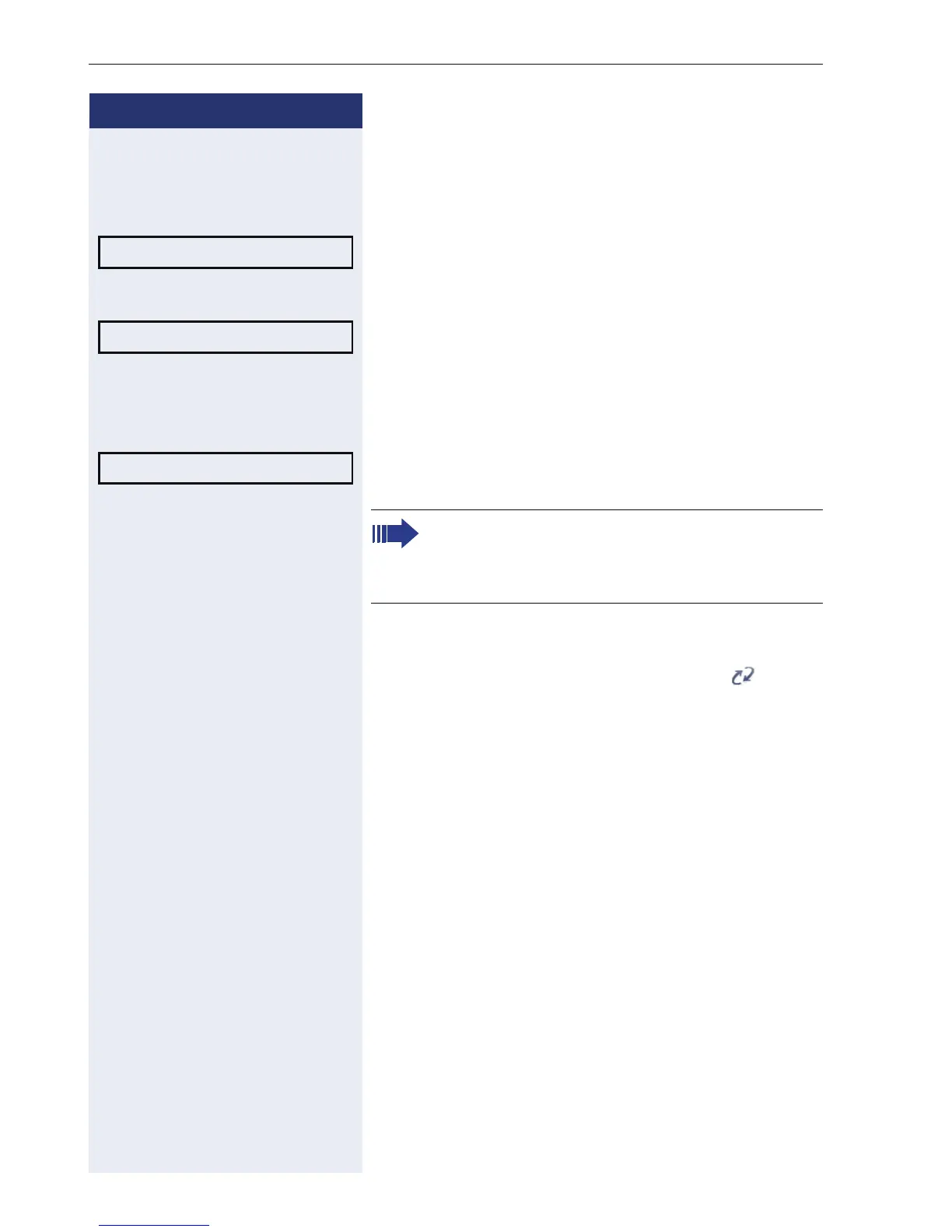
Select from the idle display context menu (Æ page 17)
and confirm. The logoff procedure starts immediately.
or If you need to enter a password, you are given the op-
tion of selecting "Cancel".
Select and confirm the option shown.
j Enter user password. Attention: Do not confirm your
entry. (for a text editor, see Æ page 16).
Select and confirm the option shown.
The logoff procedure begins. In the display, the follow-
ing messages appear: Logging off mobile user.
After you have logged off, the mobility icon is hid-
den.
Mobile logoff?
f
Please Enter Password? f
Please Enter Password? f
If you enter the password incorrectly, the follow-
ing message appears: "User password invalid" .
You can cancel the function or retry the user
password.












 To Next Page