| 52
A6V11917618_en--_b
14 Operation
General
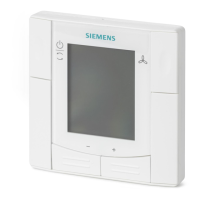
The room thermostat consists of two parts:
● Plastic housing with electronics, operating elements, room temperature,
sensor and the screw terminals
● Mounting plate
The two parts are separated in the box.
No screws are needed to fix the housing on the mounting plate.
Layout
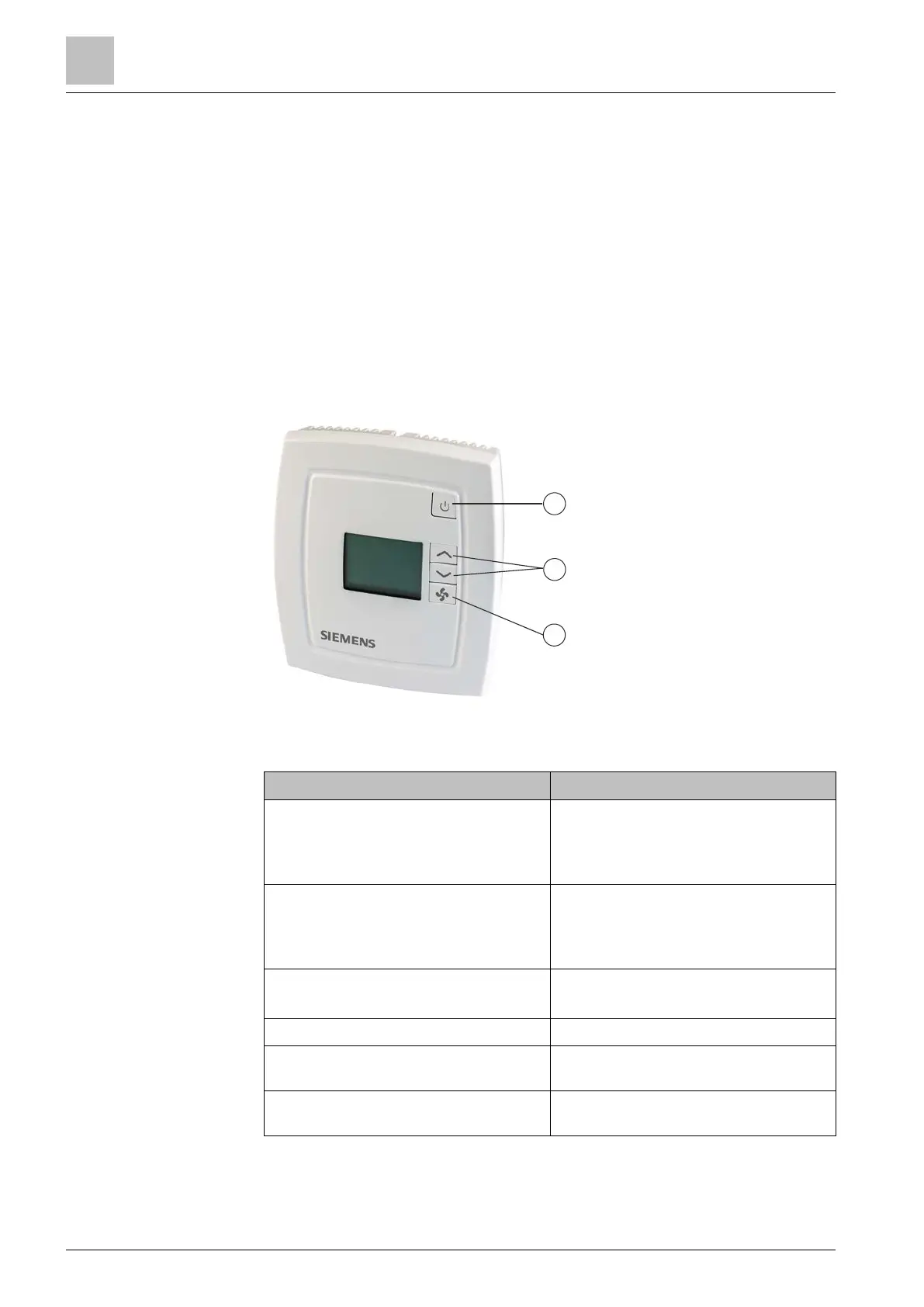
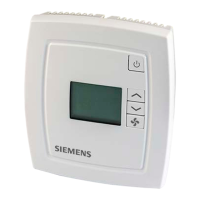
The display is operated using the buttons on the controller.
adjust setpoints and
parameters
Button operation
Current operating mode and state are
indicated by symbols.
Backlight LCD is on low level set by
P49.
(thermostat in normal operation)
Backlight LCD turns to high level set
by P50 (see below for further action).
If no further action, backlight LCD
turns to low after 2 min.
Changes operating mode to ˈOFFˈ.
Backlight LCD turns off.
temperature setpoint.
Press Up/Down buttons until ˈServiceˈ
is displayed. Then press Up button.
Goes to parameter setting mode, P01
is displayed.


 To Next Page