--_b
33 | 52
8.3.1 Parameter setting via local HMI
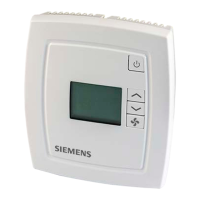
Access parameter settings
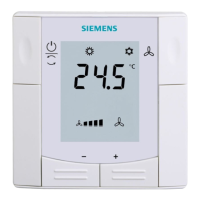
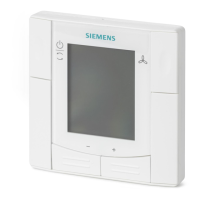
Press Up/Down buttons simultaneously for 5 seconds until 'Service' is
displayed on the screen.
Release and press Up button twice. Parameter P01 is displayed.
Define parameters
You can navigate through the parameter list using the Up/Down buttons.
● To change a parameter setting, select the right parameter with Up/Down
buttons and confirm by pressing the On/Off button.
● Press the Up/Down buttons to change the setting value.
● Press the On/Off button to save and go back to the parameter list.
To exit the parameter setting, either
● Go to EXIT parameter and press the On/Off button.
● Press the Up/Down buttons simultaneously.
Lock settings access
It is possible the lock the setting access via the BACnet object 'LockSettings'.
Users cannot access the parameters via the local HMI while the settings are
locked.
8.3.2 Parameter list
3 = 4-pipe system
4 = 2-pipe system
with electric
heater
change-over
control
1 = Cooling
control
2 = Automatic
change-over
based on analog
temperature
sensor or digital
input
activating digital input 1 DI1
mode
mode (presence)
1 = OFF mode
(windows)
0 = Not active
1 = Active (the fan
never stops, even
when in controller
OFF mode)


 To Next Page