3.3 Operation
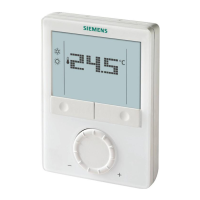
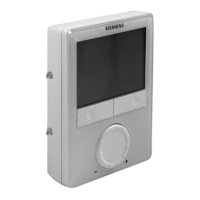
The room thermostat consists of two parts:
● Plastic housing with electronics, operating elements and room temperature
sensor
● Mounting plate with the screw terminals
The housing engages in the mounting plate and is secured with 2 screws.
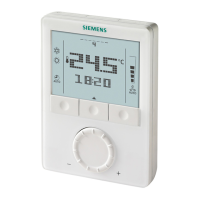
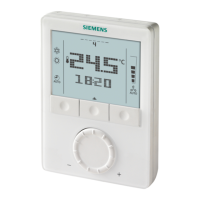
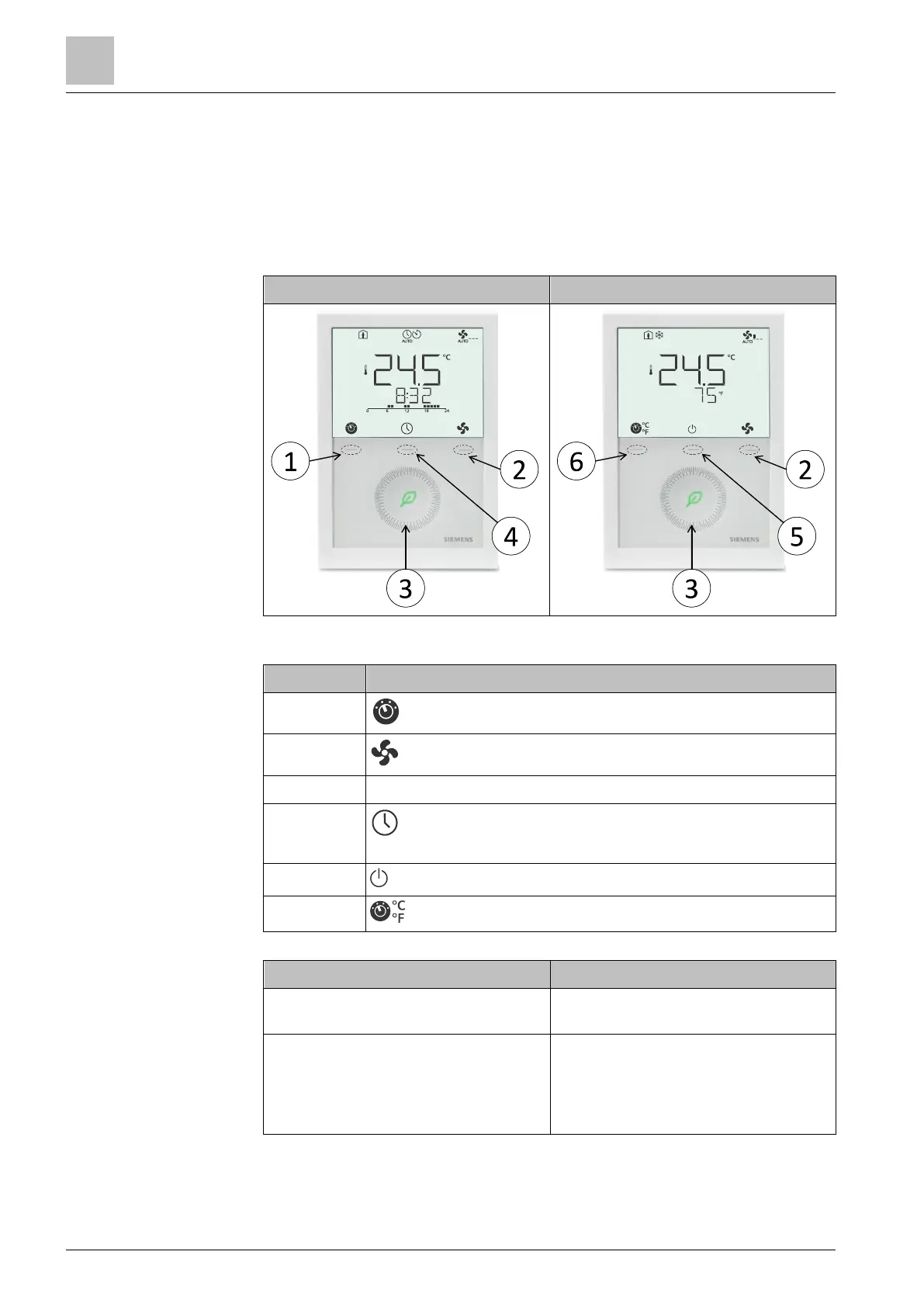
Standard (selectable scheduler)
RDG2..T does not have Green leaf indicator.
Operating mode button/Esc
Capacitive rotary knob to adjust setpoints and parameters
Local schedule setting button, the schedule is enabled via
P005
Protection hospitality mode button
Unit switching between °C and °F
Actual operating mode and state are
indicated by symbols.
Press any button
(thermostat in normal operation)
Enter operating mode selection; backlit
LCD turns on, all possible mode
symbols turn on, indicator element
(arrow, P001 = 3) displays the current
mode/state.


 To Next Page
 Loading...