Special Features of the C7-635
4-7
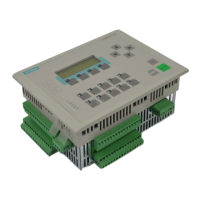
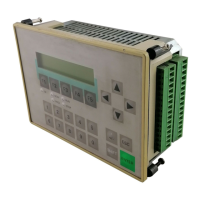
C7-635 Control System
A5E00155581-04
4-Module I/O Set
As a prerequisite, you must have the “4-module I/O set” accessory specifically for
the C7-635.
Use the following procedure to connect the additional S7-300 modules:
1. Bolt the S7 DIN rail (190 mm) to the back wall of the C7-635.
2. Install the C7-635 in the cabinet door. Follow the instructions in chapter 3.2
3. Connect the C7-635 to the outermost modules on the left-hand side using the
connecting cable.
4. Mount the modules on the S7 DIN rail (190 mm).
S7-300 modules
S7 DIN rail
C7-635
Figure 4-3 Connecting Additional S7-300 Modules Directly on the Device Using the
2-Module I/O Set
Siemens Controls




 To Next Page