Description
2.1 Mechanical components
3WJ Air Circuit breakers
18 Operating Instructions, 12/2022, L1V30828903001-01
2.1.4.2 Racking the Circuit Breaker in or out
Material damage due to over-rotation of the racking handle
The withdrawable Circuit Breaker must only be racked once the operator panel has been
mounted and secured.
If a shutter is installed, a change of direction is not permitted while the Circuit Breaker is
being racked until a defined position has been reached (disconnected/test/connected
position).
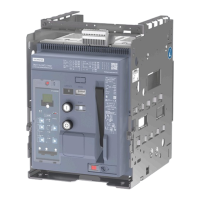
The indicator on the Circuit Breaker
- position latching is not provided.
The position can only be checked via the indicator on the Circuit Breaker.
Racking out
• Press the OPEN button and open the slide switch simultaneously.
• Insert crank handle and turn it to rack the Circuit breaker out.
• Rack into test position.
• Rack further into disconnected position.
• Remove crank handle and close the slide switch.
• Slide the guide rails out completely. Move the Circuit Breaker out of the guide frame.



 To Next Page