12 Your Device
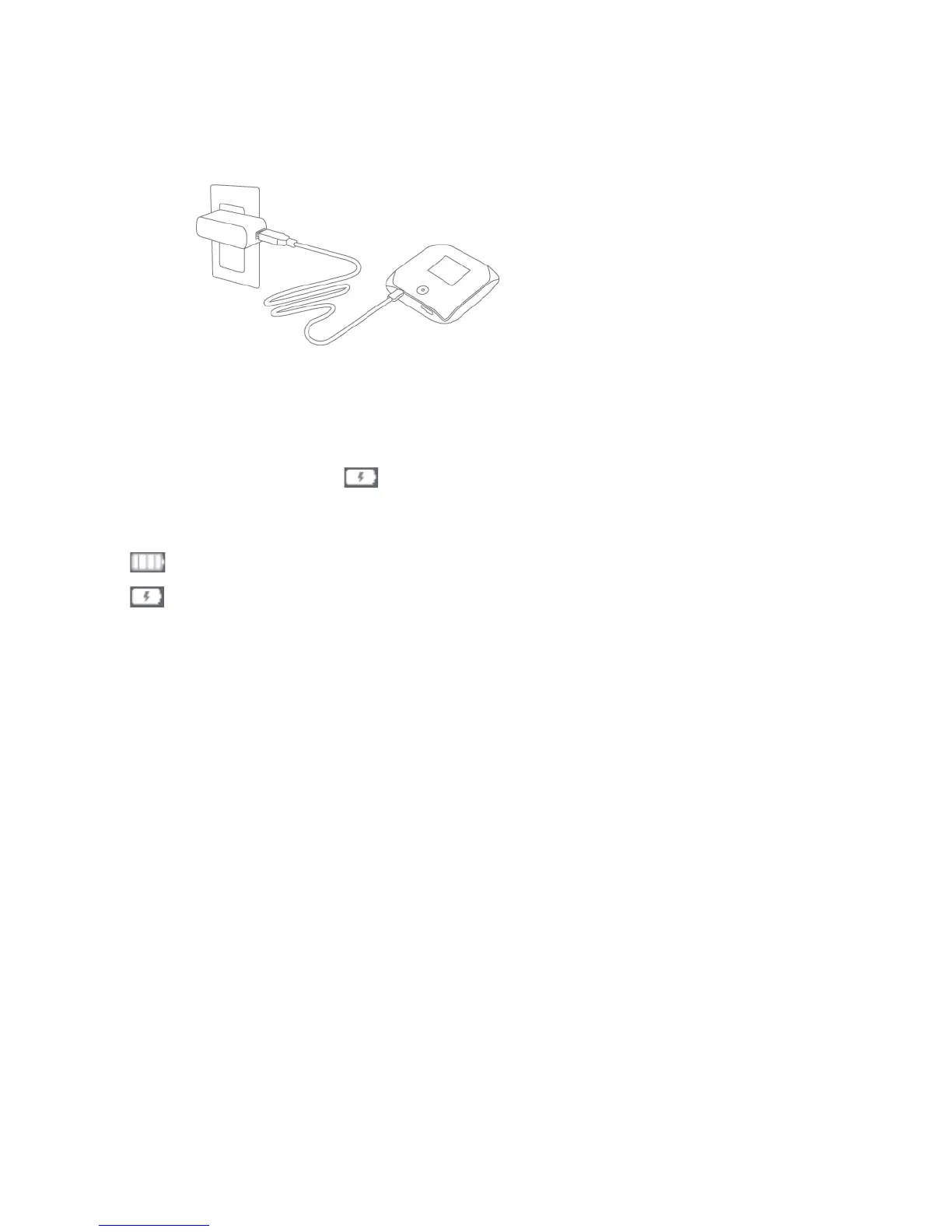
Using the AC Charger with USB Port
1. Insert the smaller (Micro B) end of the USB to Micro B cable into the USB connector on the side
of the device.
2. Insert the other end of the USB to Micro B cable into the AC charger.
3. Insert the AC charger into an electrical outlet.
When charging, the LCD shows
and, if the device is off, displays a message “Charging...
xx% complete.”
When the device is charged, the LCD shows:
●
(if the device is on)
●
and the message “Fully charged” (if the device is off).



 To Next Page