40 Using Your Device
Section 4E
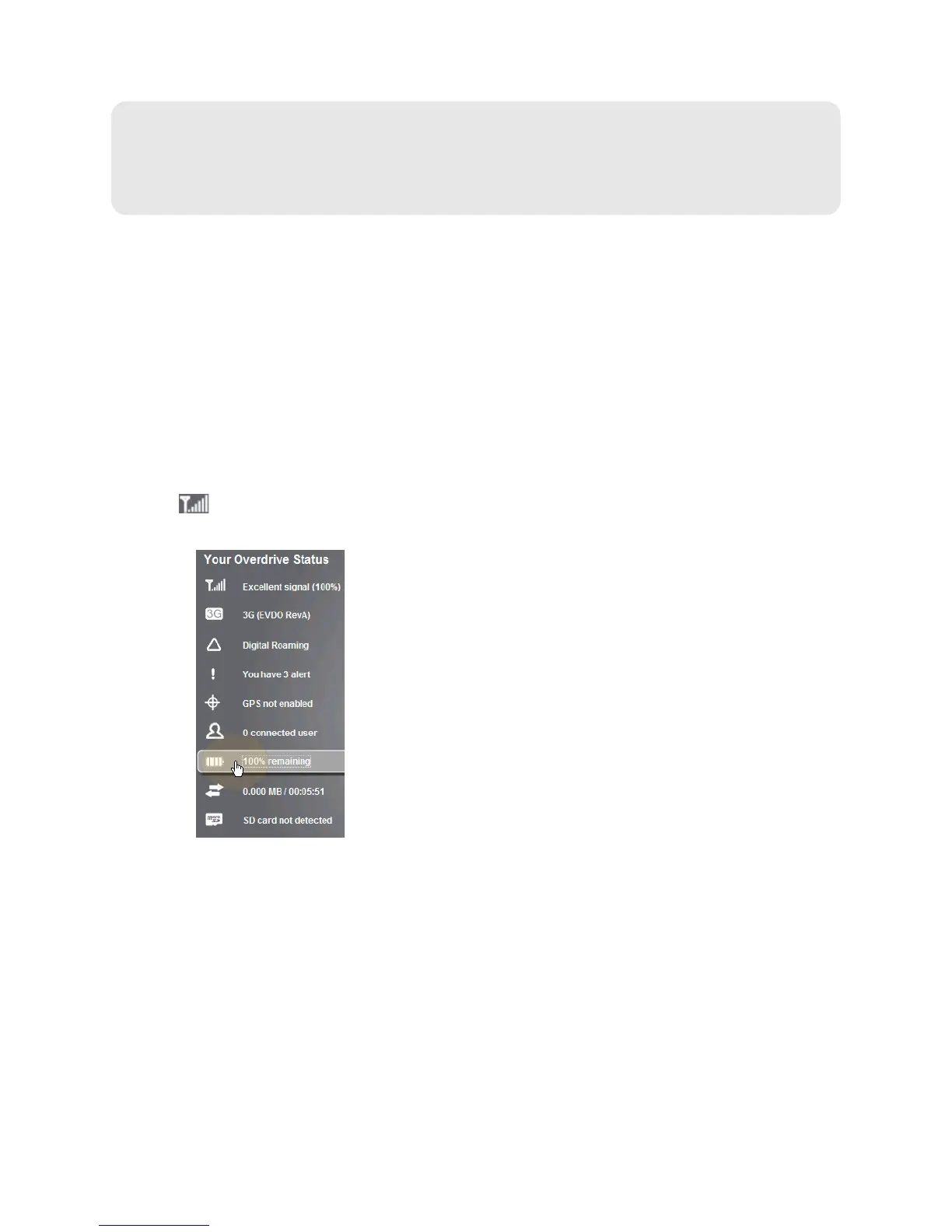
Vertical Row (of Icons and Text)
⽧ Signal Information (page 41)
⽧ Mobile Broadband Information and Settings (page 42)
⽧ 3G Roaming Information and Settings (page 43)
⽧ Alert Information (page 43)
⽧ GPS Information and Settings (page 44)
⽧ Wi-Fi Users Information and Settings (page 45)
⽧ Battery Information and Settings (page 46)
⽧ Internet Connection Information (page 47)
⽧ microSD Card Information and Settings (page 47)
⽧ Sounds Information and Settings (page 48)
The left part of the home page has a vertical row of
icons and text, starting with the signal strength
indicator
.
Most of these icons are also shown on the physical device and Virtual Device (page 32). Hover the
mouse over an icon; the corresponding icon on the Virtual De
vice is highlighted.



 To Next Page