32 Using Your Device
Virtual Device
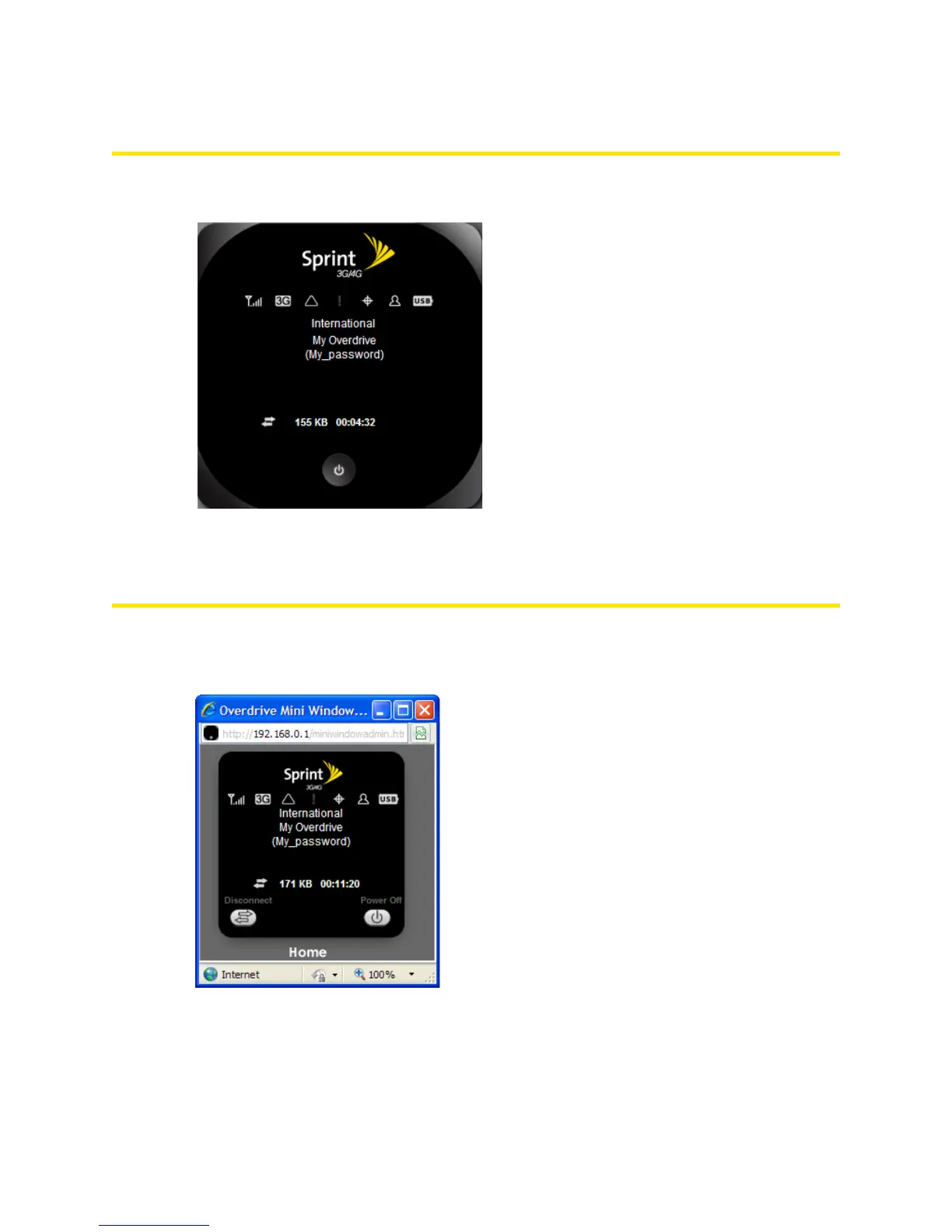
The right half of the home page contains an image of your device.
This is a “virtual device” — it reflects most of the icons and text displayed on the real device.
Mini Window
If you click the virtual device in the home page, the Mini Window opens — an image of the device in a
separate Web browser window.
Similar to the virtual device, the Mini Window reflects most of the icons and text displayed on the real
device.



 To Next Page