64 Using Your Device
Section 4K
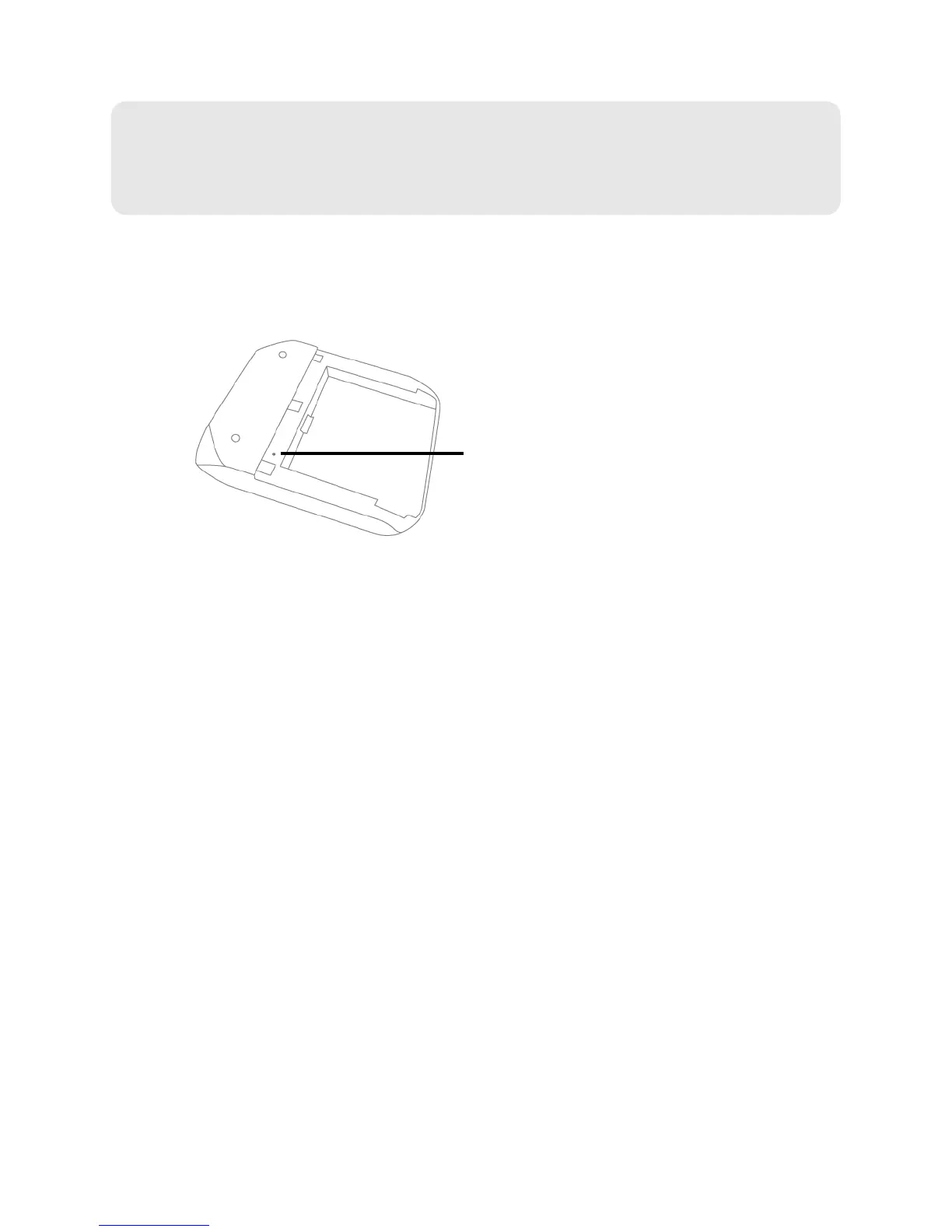
Reset Button
⽧ Restarting the Device (page 65)
The reset button is inside the hole located
below and to the right of the battery compartment as
shown below.
For information on using this button, see “Restarting the Device” (page 65) and “Resetting the
Software to Default Settings (Through the Reset Button)” (page 106).



 To Next Page