SMAC User Manual
Sify Technologies Limited, 2011 © Copyright Protected Page 12
IP Address entered in the TCP/IP Properties needs to be at the same subnet of the SMAC5800 IP
Address. For example: SMAC5800’s default IP Address is 192.168.1.1 so the IP Address in the
TCP/IP settings could be 192.168.1.10.
2.2 Logging Method
After complete the IP settings from last section, you can now access the web-based
configuration menu.
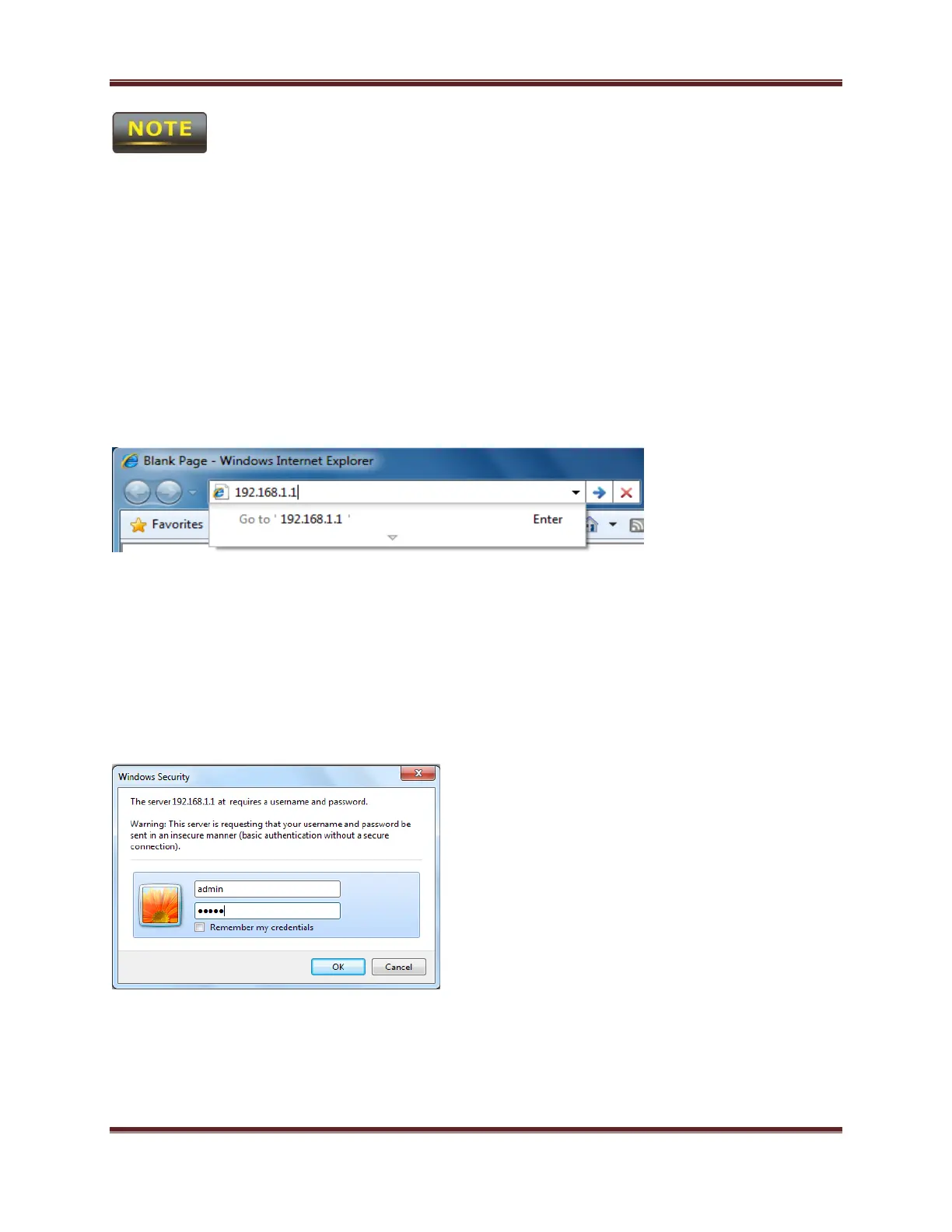
1. Open web browser
2. Enter IP 192.168.1.1 into you address filter.
Caution: If you have changed the SMAC5800 LAN IP address, make sure you enter the correct IP
Address.
3. After connected to the SMAC5800 successfully, browser will pop out a Windows Security
window. Please enter the correct Username and Password.



 To Next Page