SMAC User Manual
Sify Technologies Limited, 2011 © Copyright Protected Page 26
6.0.0 Enterprise Features
10.1.0 VLAN Configuration
Three VLAN modes are supported in Bridge mode SU
1.) Access VLAN mode
2.) Trunk mode
3.) Q-in-Q mode
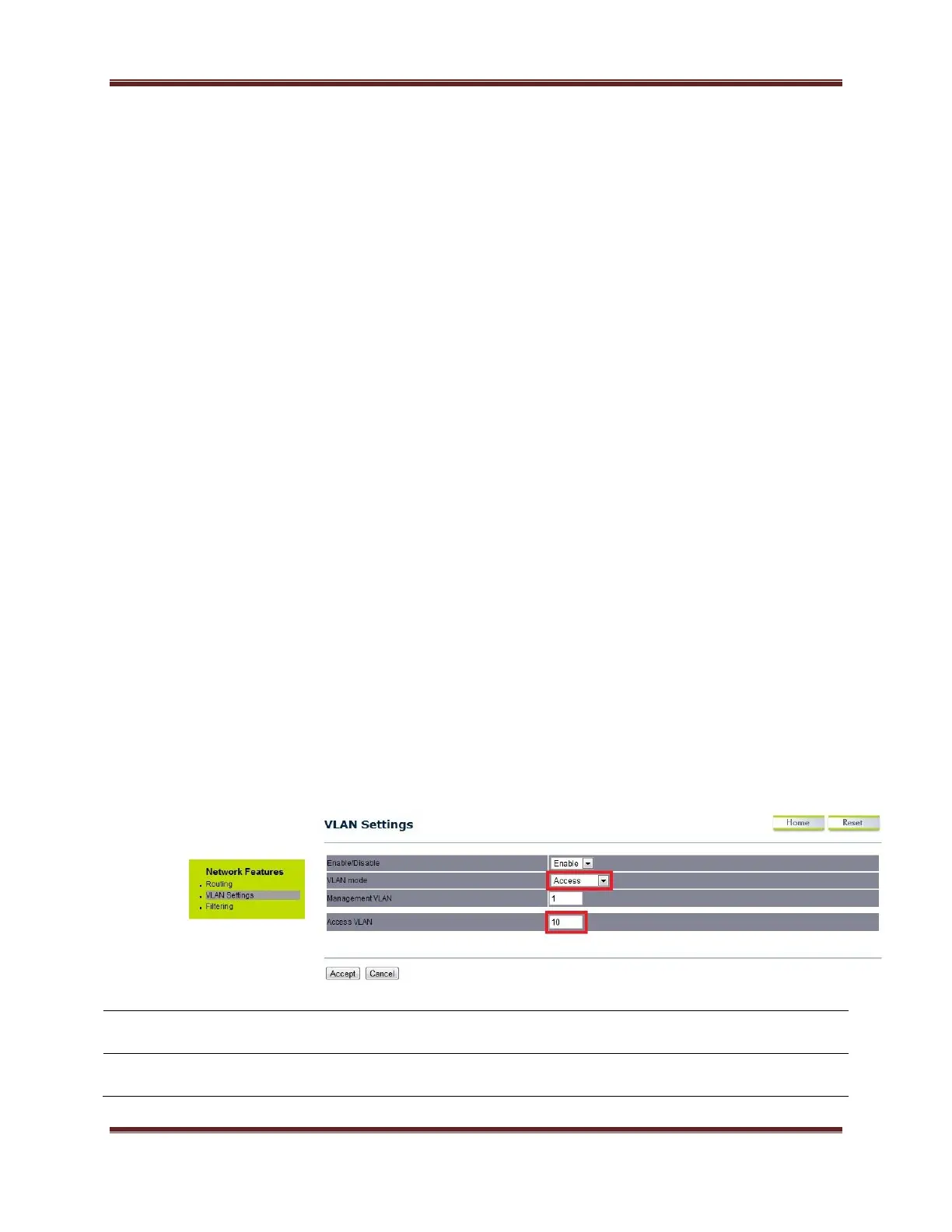
Click on the VLAN settings under the Network Features menu. This
function allows you to configure the different VLAN modes. VLAN mode will be
available in Outdoor Subscriber mode only.
6.0.1 Access VLAN mode
Under the VLAN settings, select the VLAN mode as Access.
Select Enable or Disable function from the drop down list.
Select as Access for configuring in Access VLAN mode.



 To Next Page