SMAC User Manual
Sify Technologies Limited, 2011 © Copyright Protected Page 18
4 System
4.1 Switching Operation Mode
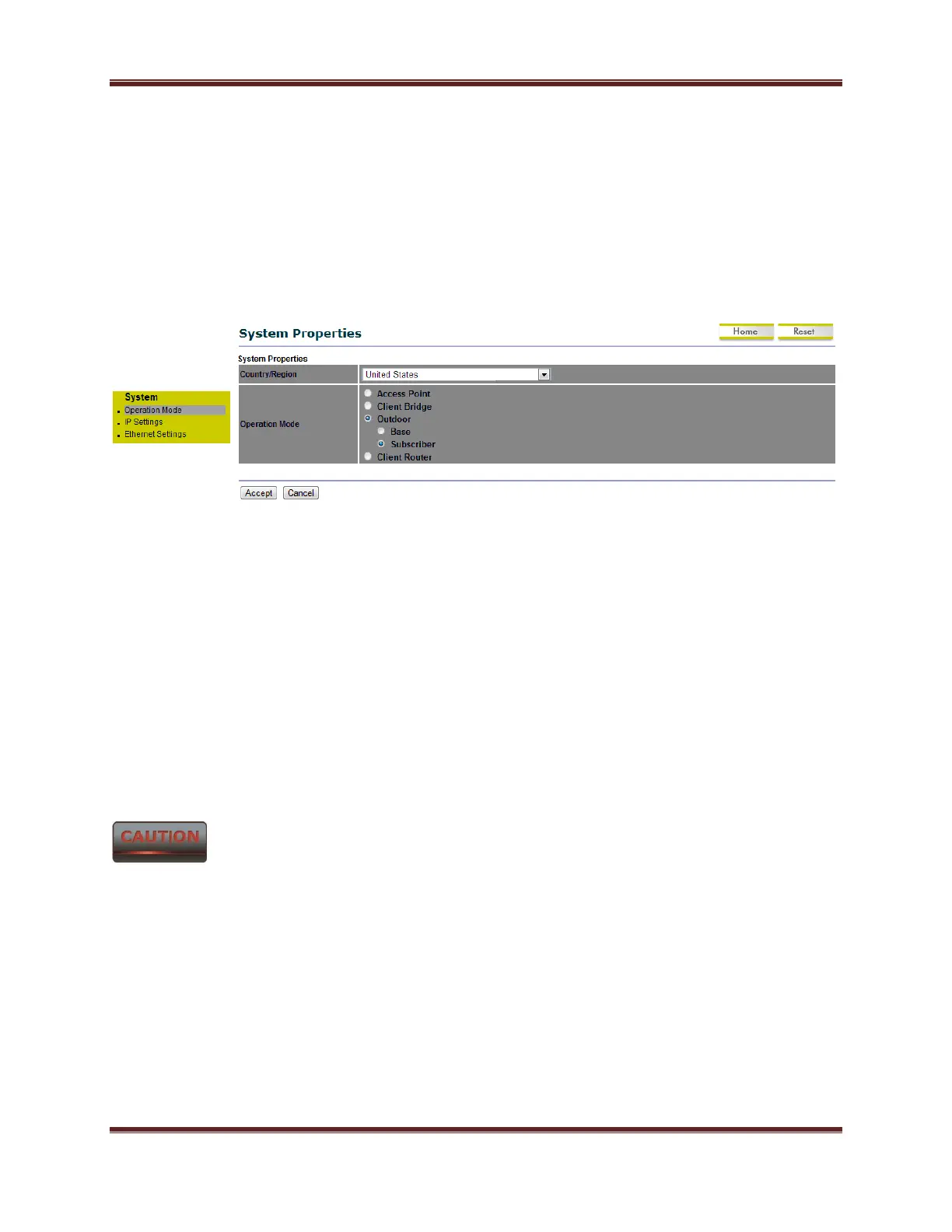
The SMAC5800 supports operation modes: Outdoor Base, Outdoor Subscriber. In order to
switching between the operating modes, please go to System -> click Operation mode.
Country/Region: Select a Country/Region to conform local regulation.
Operation Mode: Select an operation mode via Radio Button.
Click Accept to confirm the changes.
Accept does not compile the changes, you must go to Status -> Save/Load to apply the new
settings.



 To Next Page