SMAC User Manual
Sify Technologies Limited, 2011 © Copyright Protected Page 48
12.3 Wireless
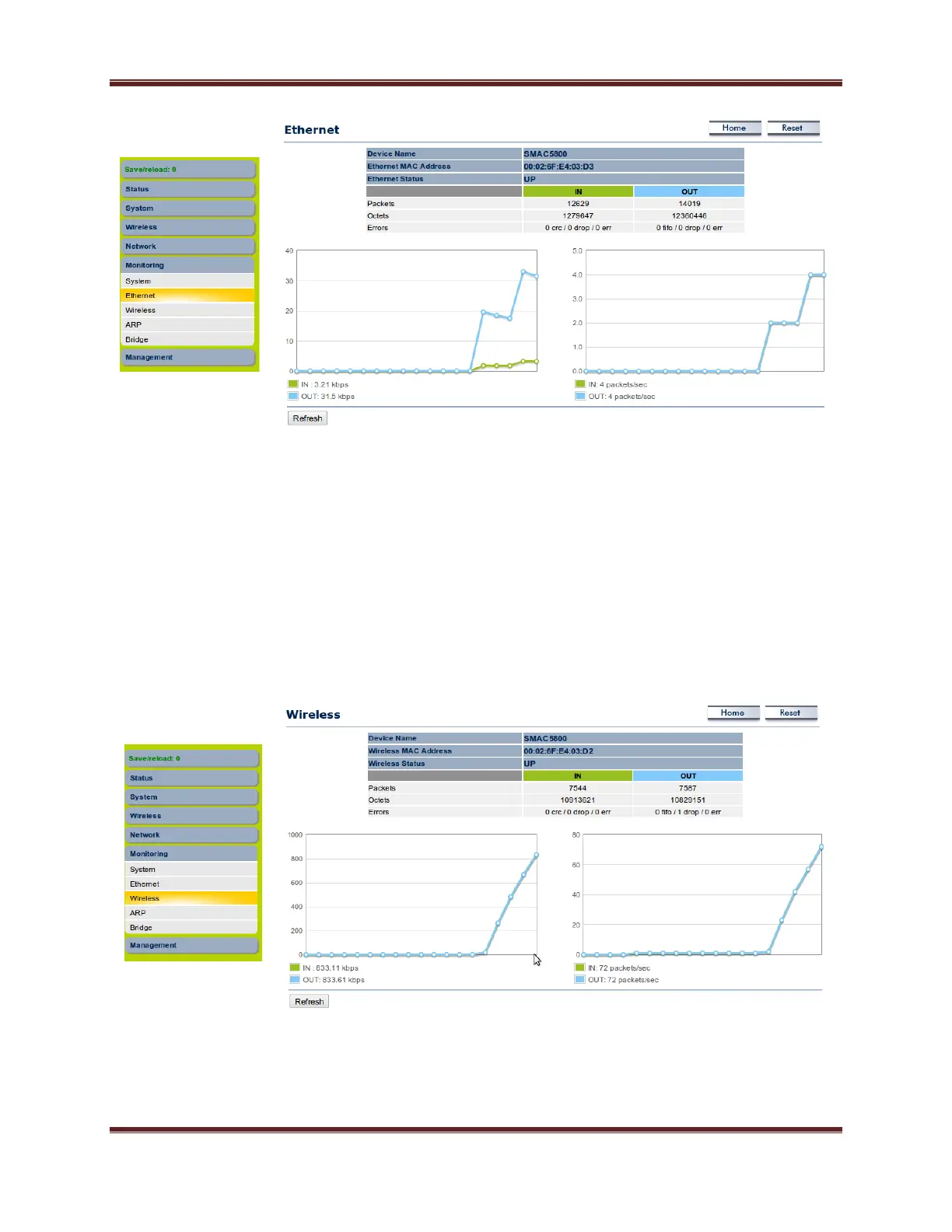
Click on the Wireless link under the Monitoring menu for monitoring the Drop/error counts
increasing in the IN and OUT tab of wireless side. Based on the counters we can able to conclude any
wireless side issue on the AP/SU side. We can able to check the wireless status (UP/Down) in the
wireless tab. Graphical representation of current utilization and PPS of IN and OUT can be monitored in
the wireless interface.



 To Next Page