SMAC User Manual
Sify Technologies Limited, 2011 © Copyright Protected Page 35
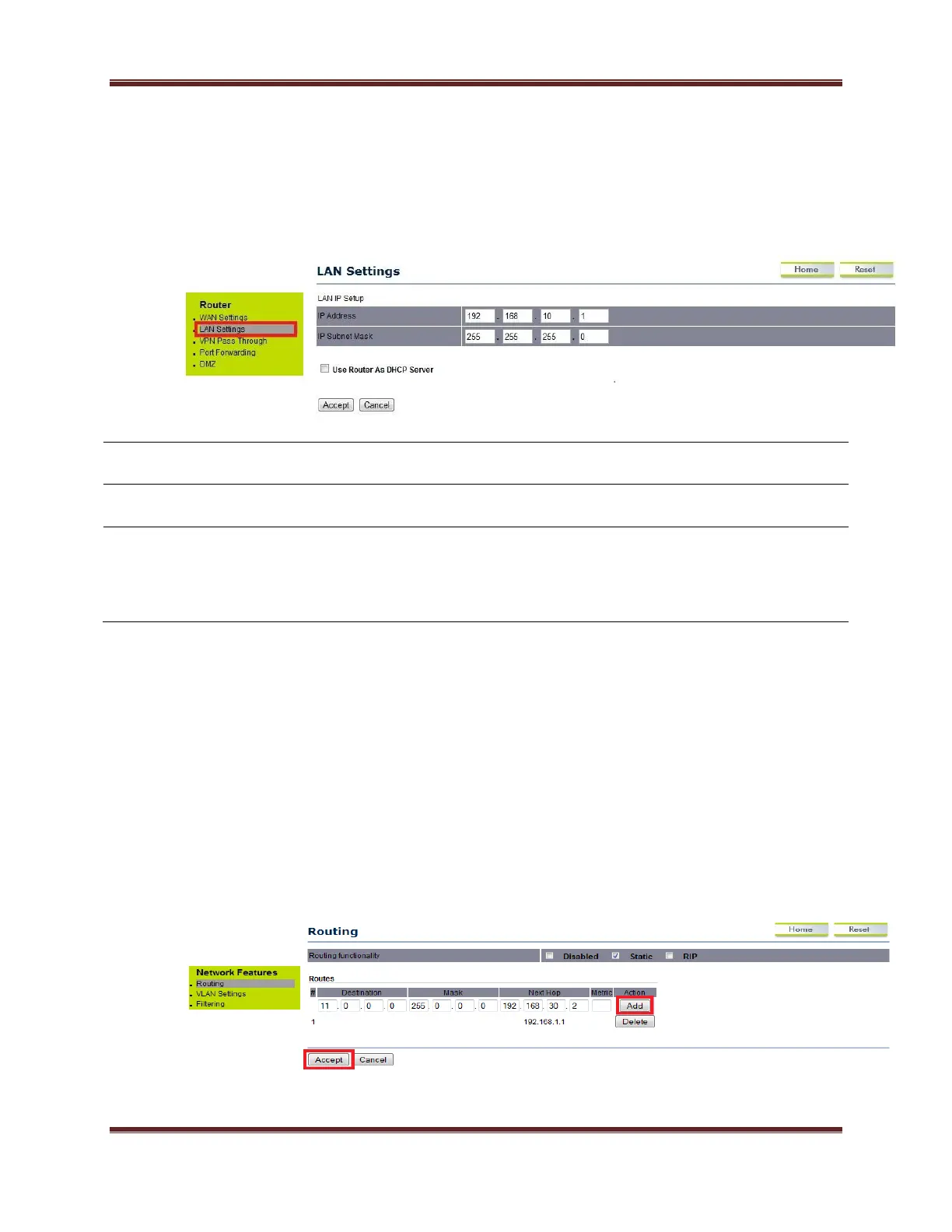
Click on the LAN Settings option under the Router menu for configuring the LAN
IP address.
All the filter related changes will take effect immediately after
clicking on ‘accept’ tab. Maximum it can support 100 routes in static
routing mode.
9.0.1 Static Routing
Check the dialogue box of static option for enabling the static routing function. RIP
dialogue box has to be unchecked.



 To Next Page