Operating Manual SIGMA 4-15C, page 46 of 95
03/06
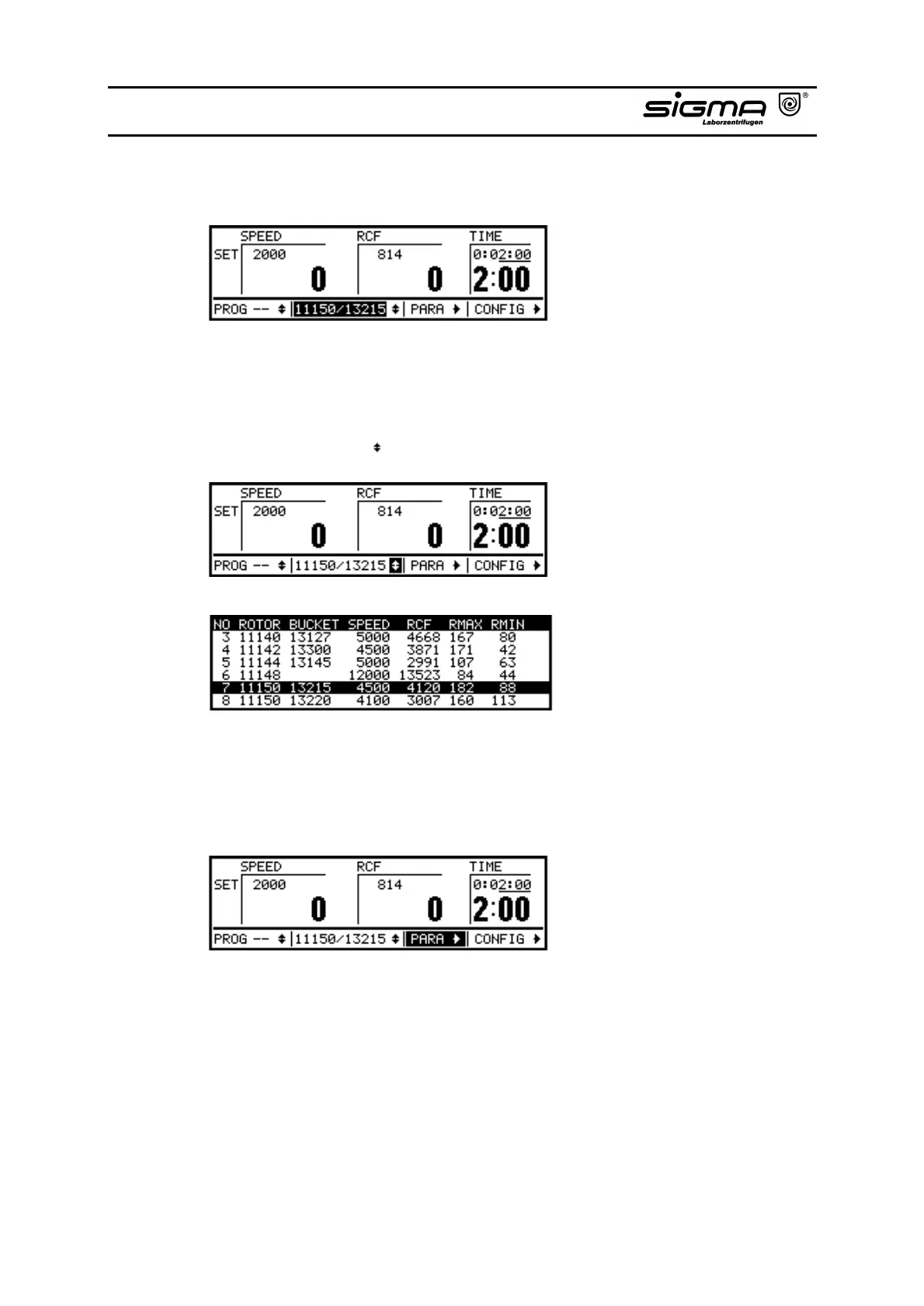
4.2.6 Rotor (here: 11150/13215)
Rotor
In this area the actually selected rotor or a rotor/bucket combination are
displayed.
Rotor Selection List ( )
Rotor selection list
The area marked with arrows for the rotor selection list offers all available rotors
which can be selected via the knob.
4.2.7 Parameters (PARA)
Parameters
If this area has been selected, parameters can be changed and the start delay
and the automatic lid opening after end of run can be activated or deactivated.



 To Next Page