Operating Manual SIGMA 4-15C, page 45 of 95
03/06
4.2.5 Program (PROG)
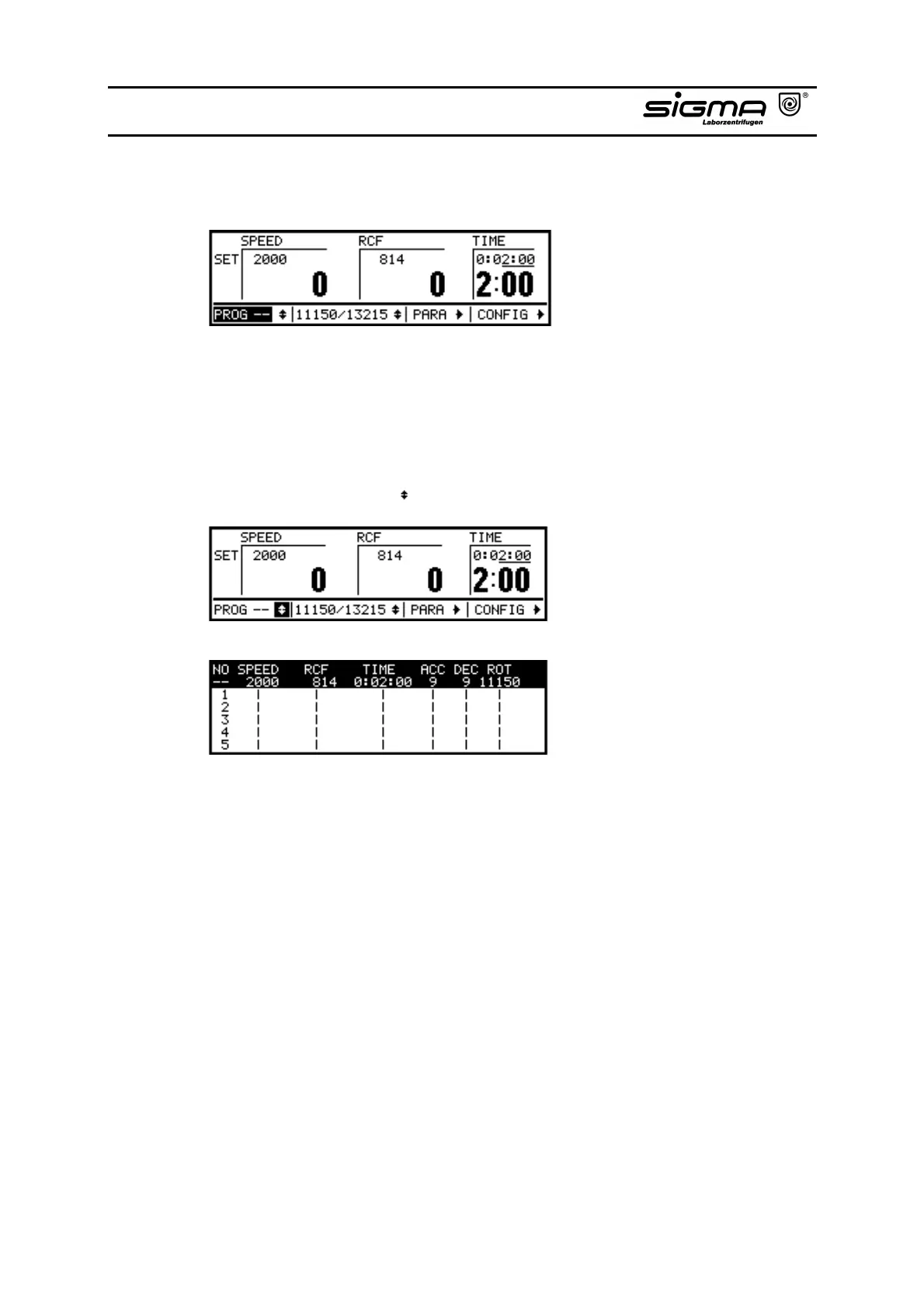
Program
In this area the number of the actual program is displayed. If the program is not
saved yet, "--" is displayed.
By activating this area you are able to load stored programs without calling the
selection list.
The program used last is automatically loaded after restarting.
Program Selection List ( )
Program selection list
The area marked with arrows for the program selection list presents the view of
the programs already saved. Storage space for fifty programs - No. 1 – 50 - from
which you can select and load a program is at your disposal. The actual loaded
program is indicated by "--".



 To Next Page