109
FRAME GUIDE
(CINE)
This function displays a frame of a different ratio on the LCD monitor.
Display Format
Select the frame display format.
Shows a frame using a white line.
Semi-transparent
Darkly masks an area outside a frame in Semi-
Transparent mode.
Frame of available ratios (On/Off)
Multiple frames can be displayed
simultaneously.
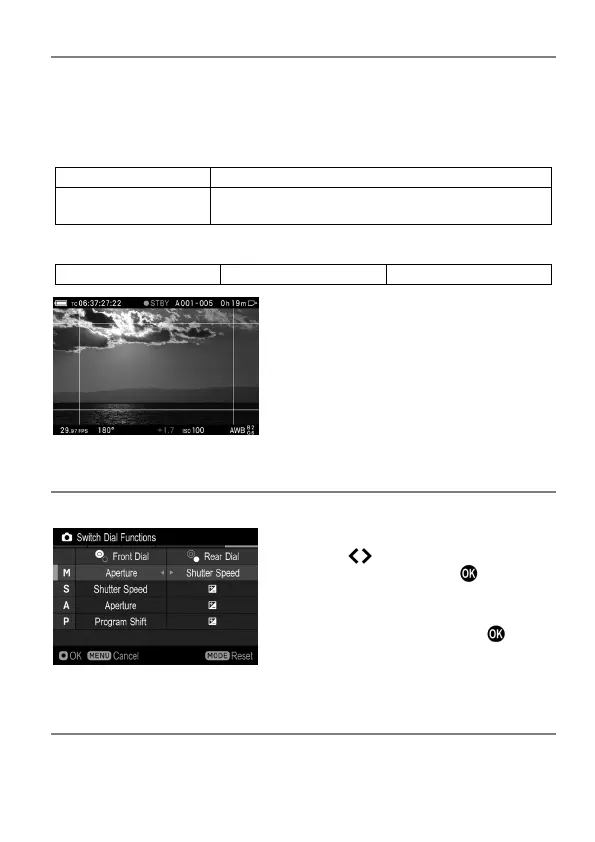
SWITCH DIAL FUNCTIONS
This function allows you to reassign the Front/Rear dial when shooting.
Select the target exposure mode, and
press the
buttons to change the
function. Then, press the
button to
apply the setting.
To return to the default, press the MODE
button to reset, and press the
button
to apply the setting.
DIAL ROTATION
This function allows you to reverse the dial operation direction when
shooting.



 To Next Page