118
PLAYING BACK A MOVIE
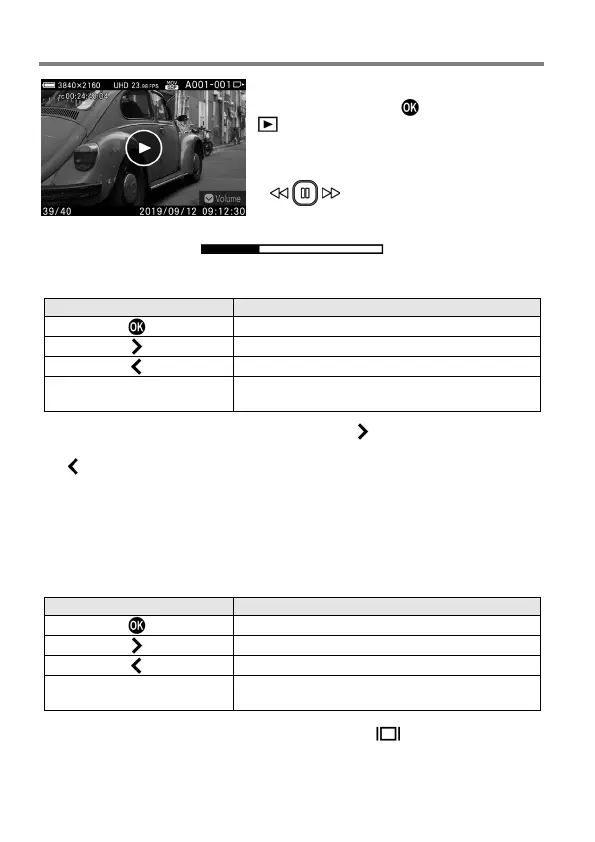
When you press the
button or tap the
icon on the touch panel while a movie
file is being displayed, a movie is played
back.
Operation guide
DURING MOVIE PLAYBACK
Front/Rear dial
Fast-backward playback ↔ Fast-forward
playback
The playback speed increases each time the
button is pressed or the
Front/Rear
dial
is
turned
clockwise.
(The
playback
speed
decreases
each
time
the
button is pressed or the Front/Rear dial is turned counterclockwise.)
PLAYBACK SPEED
X1→X1.2→X1.5→X2→X4→X8→X16→X32→X64→X128→X256→X512
In X1 to X2, a movie is played back with sound.
DURING PAUSE MODE
Reverse frame-by-frame playback
Front/Rear dial
Reverse frame-by-frame playback ↔
Frame-by-frame playback
To show or hide the operation guide, press the
button during movie
playback or Pause mode.



 To Next Page