52
3
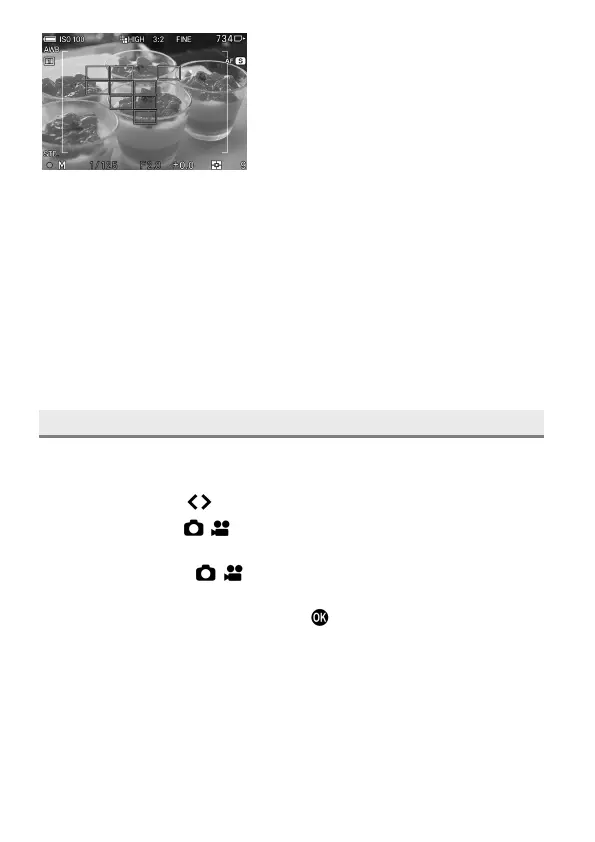
Place the photograph subject in the
multi-point distance measurement area
frame, and half-press the shutter button.
The focus frame at the focused position is displayed in green, the focus
indicator lights up, and the focus sound beeps.
If the subject is out of focus, the multi-point distance measurement area
frame and the focus indicator flash.
CAUTION
In CINE mode (CINE style), the multi-point distance measurement area
frame and focus frame are displayed only when the shutter button is
being half-pressed.
FOCUS MODE SETTING
The focus mode can be selected depending on the subject.
Press the FOCUS button, and select the desired focus mode using the
Front/Rear dial or the
buttons.
You can also select [ / SHOOT] → [Focus] → [Focus Mode] to set
Focus mode.
You can also select [ / SHOOT] → [Lens Function Settings] →
[Focus Mode] to set Focus mode.
After the setting is completed, press the
button or half-press the shutter
button to apply the setting.



 To Next Page