120
OTHER REVIEWING FEATURES
FILTER FILES TO DISPLAY
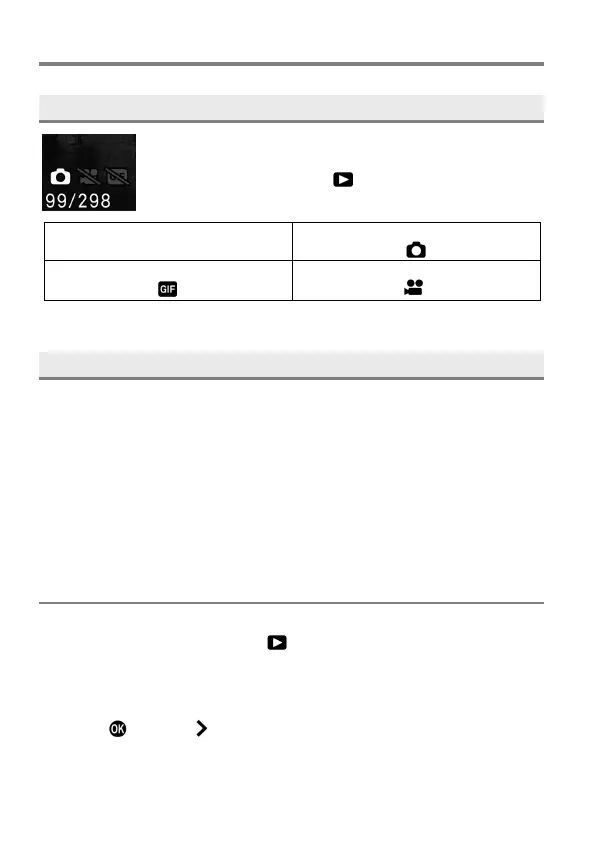
You can filter the file types to play back.
To set this option, select [ PL AY ] → [Playback View
Filter].
All Display (Default)
OFF
GIF Images (Cinemagraph) Only
LOCK
Locking protects files from being accidentally deleted.
WARNING
Formatting a card erases locked files. Review card contents carefully
before formatting.
TIP
Locked files have a "read-only" status when viewed on a computer.
TO LOCK A SINGLE FILE
1
Display the target file, and select [ P L AY ] → [Lock].
2
Select [Lock] from the sub menu.
3
Press the
button or
button.



 To Next Page