51
BULB SETTING
(STILL)
The shutter remains open when the shutter button is pressed all the way
down.
1
Set the Exposure Mode to the M position.
2
Rotate the Rear dial until BULB is displayed.
3
Rotate the Front dial to select the desired aperture value.
4
Depress the shutter button fully to take the picture.
CAUTION
It is not possible to use Bulb photography for more than 300 seconds.
The shutter will automatically close about 300 seconds after the shutter
button was pressed.
A long exposure may increase noise.
FOCUSING
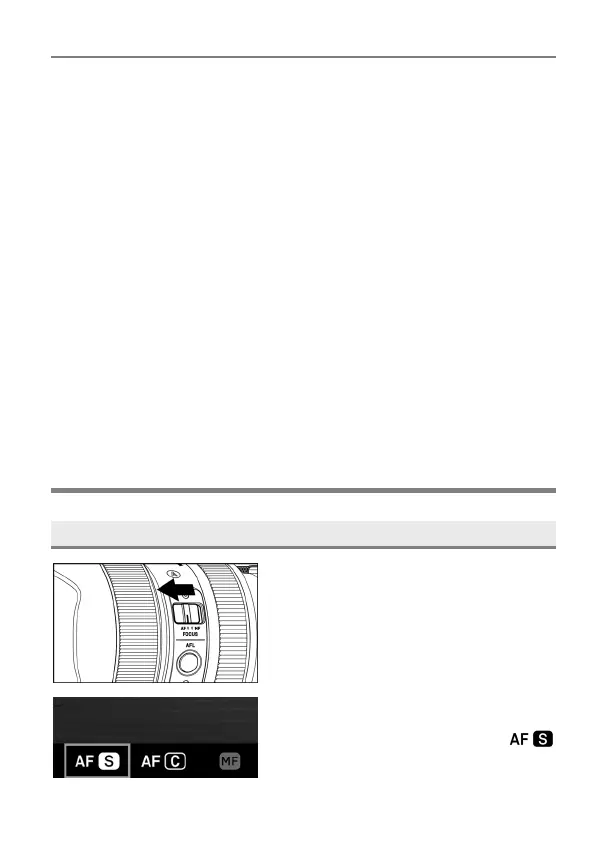
HOW TO USE AUTOFOCUS
1
Set the focus mode selector switch (if
present on the lens) to AF mode.
2
Set the camera’s focus mode to
( P. 52).



 To Next Page