EasyManua.ls Logo

Sigma FP - Page 15

Sigma FP
160 pages
Print Icon
To Next Page IconTo Next Page
To Previous Page IconTo Previous Page
Loading...
15
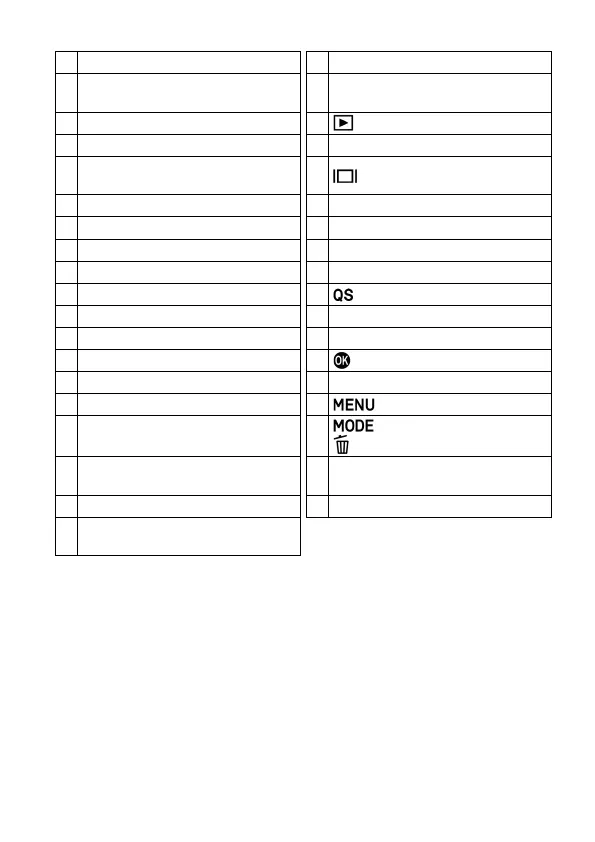
1
Lens Signal Contacts
20
LCD Monitor / Touch Panel
2
Microphone (Right)
21
Microphone / Cable Release
Terminal
3
Front Dial
22
(View) Button
4
Position Index for Tripod Socket
23
Busy Lamp
5
Lens Mount Index /
Lens Lock Pin
24
(Display) Button
6
Lens Lock Button
25
REC Button
7
Tripod / Strap Holder Sockets
26
REC Lamp
8
Battery / SD Card Cover
27
Shutter Button
9
DC Connector Cover
28
AEL Button
10
Battery / SD Card Cover Latch
29
(Quick Set) Button
11
Microphone (Left)
30
Tone Control Button
12
Lens Mount
31
Rear Dial
13
Image Sensor / Dust Protector
32
(OK) Button
14
Heatsink
33
Color Mode Button
15
Power Switch
34
(Menu) Button
16
CINE / STILL Switch
35
(Shooting Mode) /
(Delete) Button
17
USB Terminal (Type C USB 3.0)
/ Charge lamp
36
Strap Holders
18
Focal Plane Mark
37
Hot Shoe Unit HU-11
19
HDMI Terminal (Type D (Version
1.4)) / HU-11 Contacts
CAUTION
Be careful not to touch the dust protector (image sensor protective
glass)(13).

Table of Contents

Related product manuals