EasyManua.ls Logo

Sigma FP - Page 38

Sigma FP
160 pages
Print Icon
To Next Page IconTo Next Page
To Previous Page IconTo Previous Page
Loading...
38
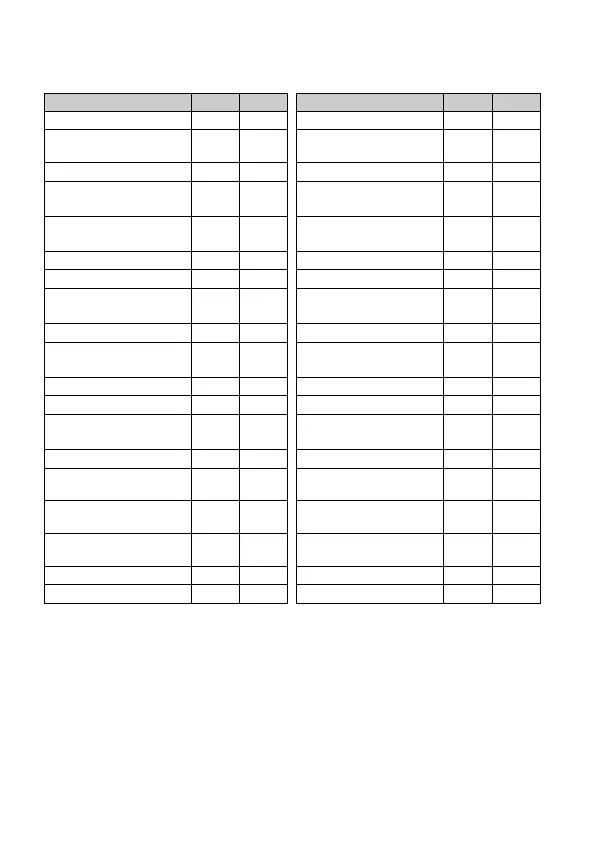
The items that can be allocated to the QS menu are:
* C = CINE mode, S = STILL mode
Menu Item
C
S
Menu Item
C
S
Shooting Mode
Color Mode
Shutter Speed /
Shutter Angle *1
*3 -
Color Effect Amount
Aperture
*3
-
Tone Control
Exposure
Compensation
*3 -
Fill Light
-
ISO Sensitivity
Color Shading
Correction
AE Metering Mode
Focus Mode
Drive Mode
*4
Focus Area
Exposure BKT
Amount
*4
Pre-AF /
Constant AF *2
Focus BKT Amount
*4
Focus Limiter
White Balance BKT
Amount
*4
Focus Peaking
Color Mode BKT
*4
Optical Stabilization
Fill Light BKT Amount
*4
Electronic Stabilization
HDR
Flash Exposure
Compensation
*4
DC Crop Mode
Red-eye
*4
Image Quality /
Format *2
Rear Curtain Sync.
*4
Image Size /
Resolution
*
2
Slow Sync.
*4
Aspect Ratio /
Frame Rate
*
2
Time Code
-
Audio Record
-
LOCK
White Balance
LCD Brightness
*1
Changes depending on the setting of the shutter mode (see page 45).
*2
Changes depending on the setting of the CINE/STILL mode (see page
28).
*3
Cannot be set when the Shooting Style is set to [STILL-like].
*4
This is a function for still images. When the Shooting Style is set to
[STILL-like], it can only be allocated, even in CINE mode.

Table of Contents

Related product manuals