57
CAUTION
If a lens with manual fine-adjustment enabled is attached via the mount
converter MC-21, it is always possible to make fine adjustments even if the
camera is set to [Off].
PRE-AF
(STILL)
AF mode is activated before the shutter button is half-pressed.
[ SHOOT] → [Focus] → [Pre-AF] → [On]
CONSTANT AF
(CINE)
AF mode is activated before movie recording, and it continues to operate
even when a movie is being recorded.
[ SHOOT] → [Focus] → [Constant AF] → [On]
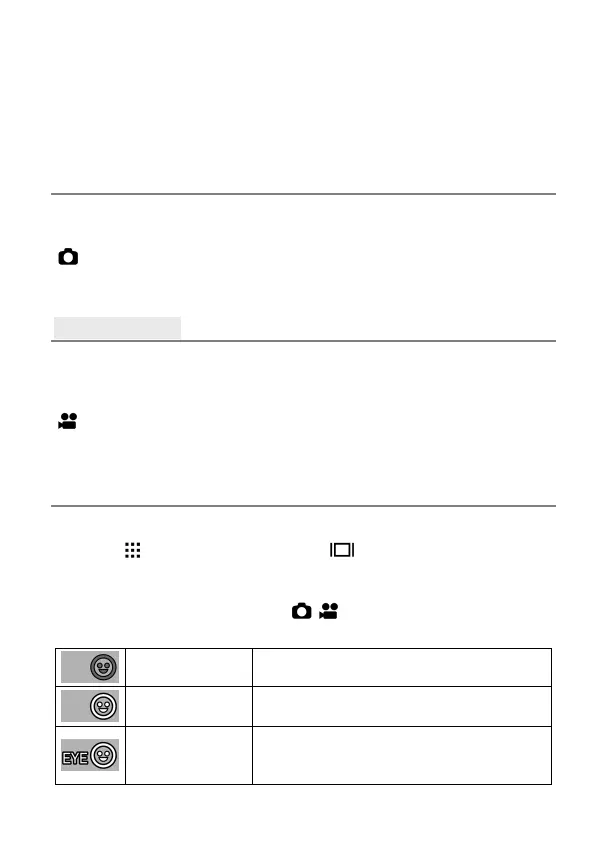
FACE / EYE DETECTION AF
Preferentially focuses the face or eye of a person.
Press the button and then press the button. Each time you press
the AEL button, you can switch between Face Only and Face/Eye
Detection AF.
Otherwise, to set this mode, select [ / SHOOT] → [Focus] → [ Face /
Eye Detection AF].
Off (Default)
Sets to the normal AF mode.
Face Only
When a face is detected, it is focused on
preferentially.
Face / Eye Auto
When a face is detected, it is focused on
preferentially, and when an eye is detected,
it is focused on.



 To Next Page