59
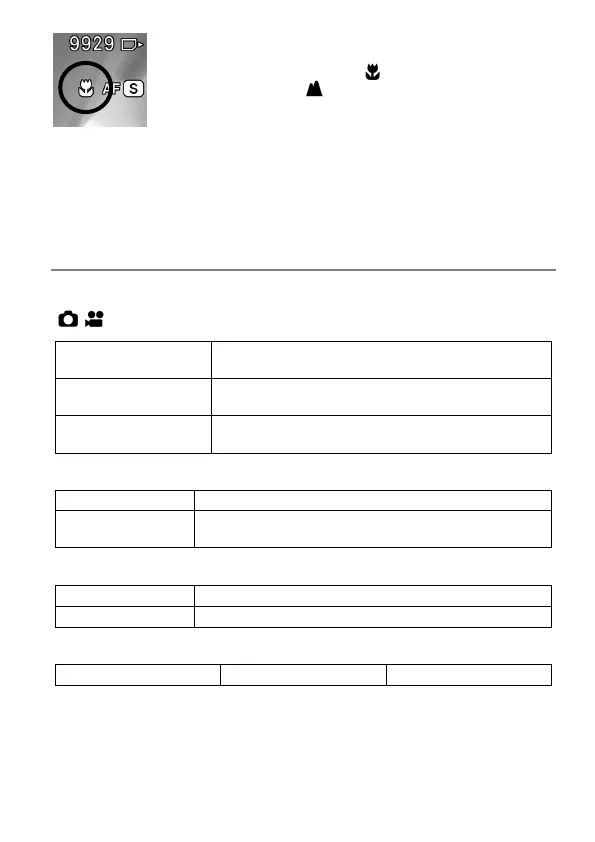
If [Near Side] is selected, the icon is displayed. If [Far
Side] is selected, the icon is displayed.
CAUTION
This setting is only available for compatible lenses. For details, please
refer to the lens manual.
AF MAGNIFICATION
Specify the magnification method in AF mode.
[ / SHOOT] → [Focus] → [AF Magnification]
Select the image magnification range.
Auto Magnification
Sets whether or not to automatically magnify an
image when focusing.
Duration of Auto
Magnification
Specify the magnification period.
Image Magnification
Magnifies an image on the full screen.
PIP
Magnifies an image in the range of 25% in the
center of the screen.
Auto Magnification
Does not perform auto magnification.
Performs auto magnification.
Duration of Auto Magnification
In AF mode, an image is magnified, centering around the focus frame
that was focused.
During image magnification, the magnification (4x/8x) can be changed
using the Front/Rear dial.



 To Next Page