73
CAUTION
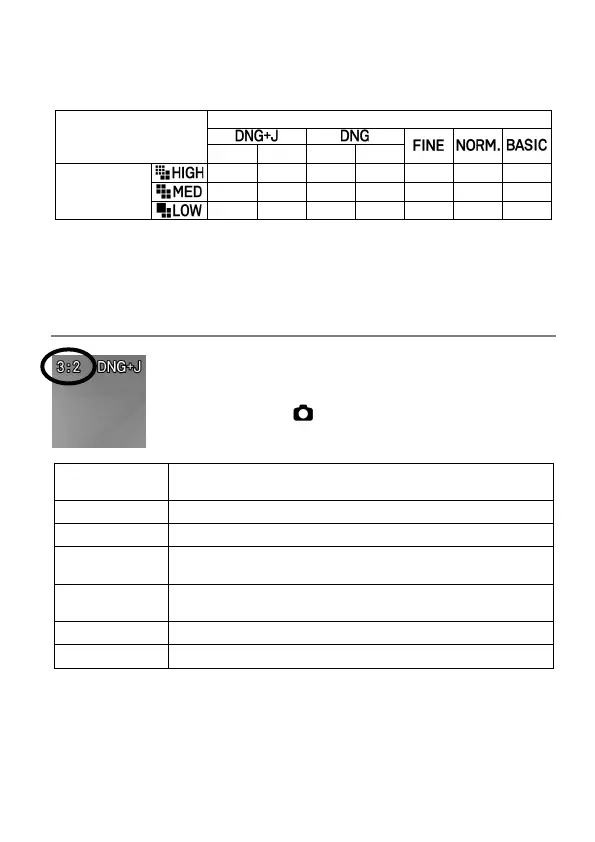
The selectable image sizes are limited depending on the image quality
setting.
Image Size
〇: Available ×: Unavailable △: Available, however, the bit depth is
changed to 12 bits.
ASPECT RATIO SETTING
Set the aspect ratio of an image.
Quick Set menu, or [ SHOOT] → [Aspect Ratio]
21:9
Aspect Ratio similar to those of wide screens used in
cinema.
Aspect Ratio the same as those of high vision TVs.
Aspect Ratio the same as those of 35mm film cameras.
A Series (
√
2:1)
The aspect ratio is the same as the general A series
paper size.
4:3
Aspect Ratio the same as those of traditional TVs and
PC screens.
Aspect Ratio is the same as those of 6x7 film cameras.
Aspect Ratio is the same as those of 6x6 film cameras.
The image of each aspect ratio is cut and created from an image of the
basic aspect ratio, "3:2", of this product.
TIP
A DNG image can be changed to another aspect ratio using SIGMA
Photo Pro or the DNG Development function of the camera.



 To Next Page