ROX 5.0
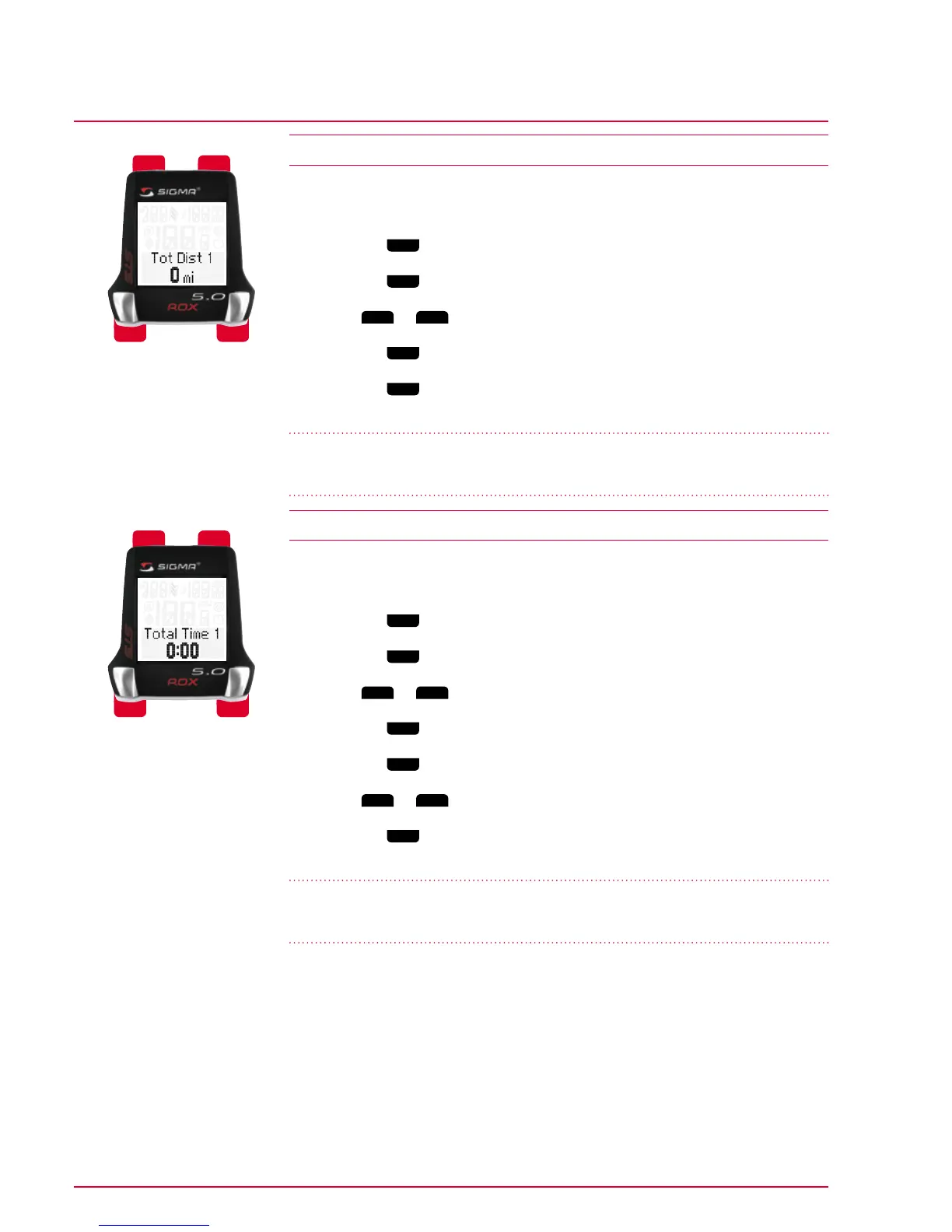
4.12 Setting the total distance for bike 1 or bike 2
You can use this option to enter existing values (e.g. transferred from your old
device). New values are then added to these.
1 Press the
Mode 1
button to switch to the total distance for bike 1 or bike 2.
2 Press the
Set
button. The first digit for entry flashes.
3 Press
Mode 2
or
Reset
to increase or decrease the value respectively.
4 Press the
Mode 1
button to switch to the next digit.
5 Press the
Set
button to save your setting.
‘Set OK’ appears on the display.
Important Note
00.080 mi is equivalent to 80 miles
4.13 Setting the total trip time for bike 1 or bike 2
You can use this option to enter existing values (e.g. transferred from your old
device). New values are then added to these.
1 Press the
Mode 1
button to switch to the total trip time for bike 1 or bike 2.
2 Press the
Set
button. The first digit for entering the hours value flashes.
3 Press
Mode 2
or
Reset
to increase or decrease the value respectively.
4 Press the
Mode 1
button to switch to the next digit.
5 Press the
Set
button to save your setting. The minutes value flashes.
6 Press
Mode 2
or
Reset
to increase or decrease the minutes value respectively.
7 Press the
Set
button to save your setting.
‘Set OK’ appears on the display.
Important Note
0.005 h is equivalent to 5 hours
Set Mode 1
Mode 2
Reset
Set
Mode 1
Mode 2
Reset



 To Next Page