ROX 5.0
6 Running with the ROX 5.0
The ROX 5.0 can also be used as a running computer. Please use the included
wristband for running or hiking. When the ROX 5.0 is attached to the wristband,
all the bike functions are hidden (but still remain saved and can be accessed on
your next bike trip). Only the running-related functions remain. You can use your
ROX 5.0 with heart rate information for hiking, climbing, skiing, running, or other
types of sport.
6.1 Synchronizing the chest belt
Slightly moisten the electrodes and put on the chest belt.
Attach the ROX 5.0 to the wristband. The zeros for your current heart rate flash.
The ROX 5.0 synchronizes with the chest belt in less than 10 seconds.
The current heart rate then appears on the display.
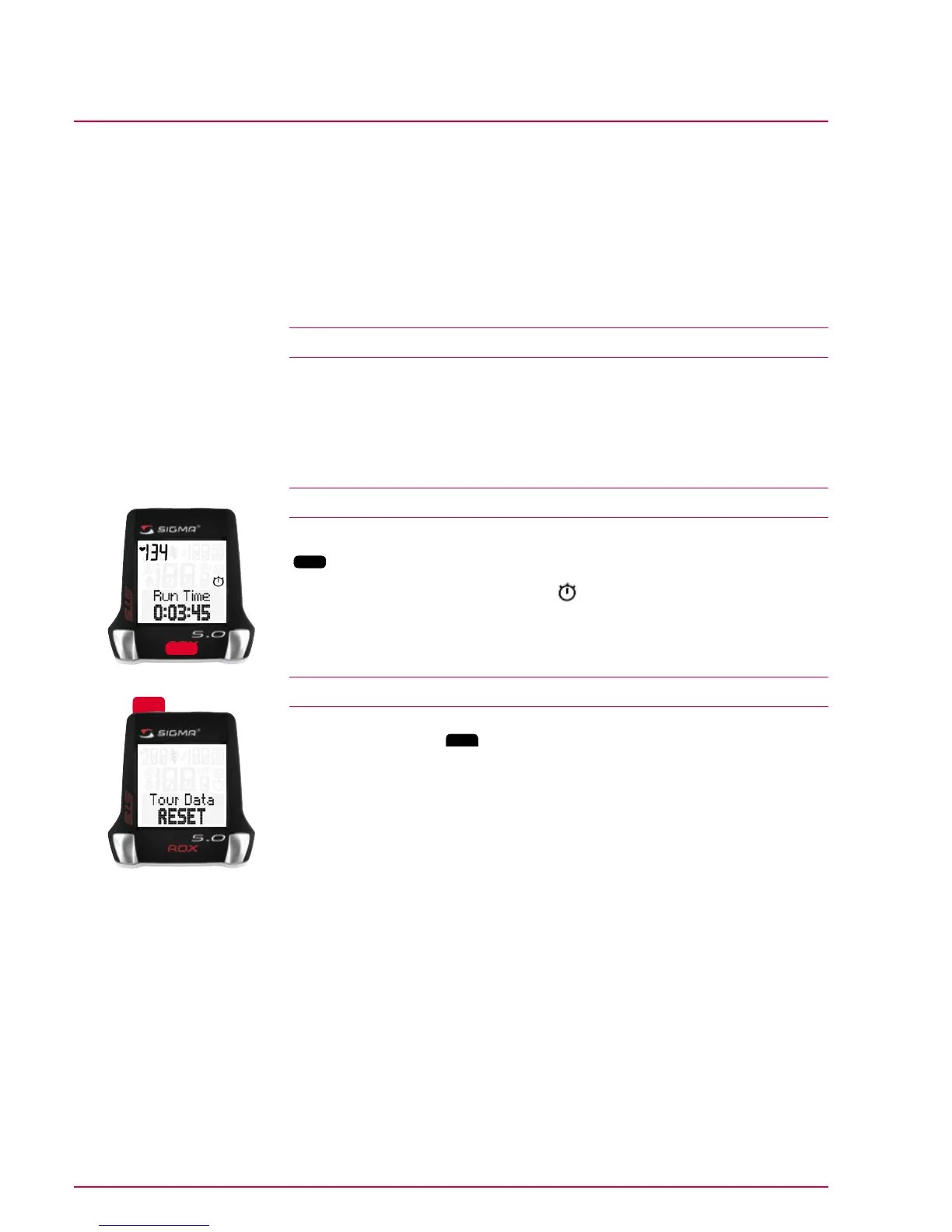
6.2 Starting the running time
The running time is started and stopped by pressing the middle function button
(
LAP
).
If the running time has started, the icon
appears on the display.
6.3 Resetting the running time
1 Press and hold the
Reset
button for more than three seconds.
2 ‘Tour data RESET’ flashes on the display.
Use this function to reset the following values to zero:
Running time, intensity zones, avg. heart rate, max. heart rate, calories.
Lap
Reset



 To Next Page