AFTER SALES SUPPORT
1300 7 77 137
service@unclebills.com.au
MODEL: EA2476 PRODUCT CODE: 715222 03/2024
12
PRODUCT OVERVIEW (CONT.)
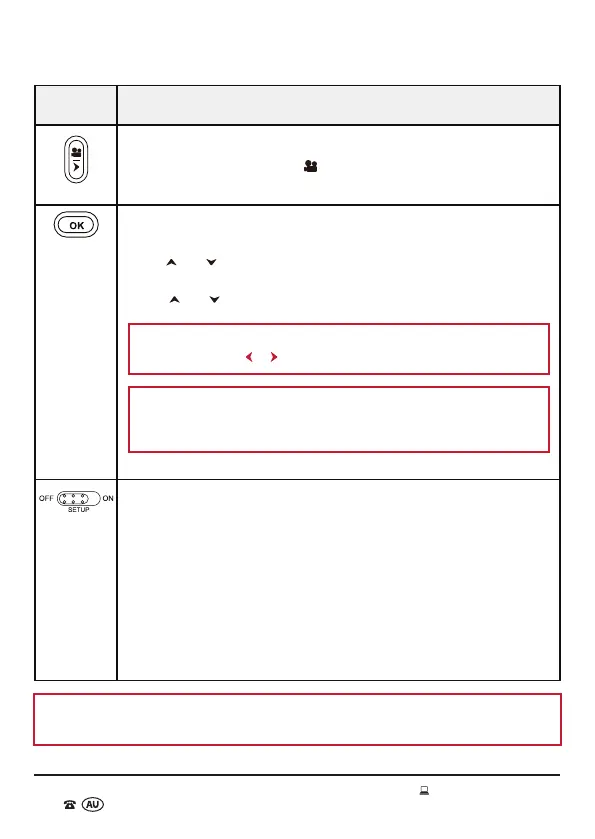
Button Function
Video Mode
• In SETUP mode, press the
button to set the Wildlife Camera to
only take video in manual mode and live mode (ON).
OK Button
• Press the OK button to select the sub menu option (after using
the
and buttons to highlight your choice).
• Press the OK button again to confirm your selection (after using
the
and buttons to highlight your choice).
NOTE: To return to the main menu when navigating the sub
menu, press the
or buttons.
NOTE: If the setting highlighted is not confirmed by pressing
the OK button, the new setting will not be saved and will be lost
when you exit the menu.
Power/Mode Switch (OFF/SETUP/ON)
• Slide the switch to the far left to select the OFF mode. In this
mode the camera will completely power off.
• Slide the switch to the centre position to select the SETUP mode.
In this mode you can view the photos and videos saved on the
micro SD card or access the main menu and sub menu options to
update the settings of the camera.
• Slide the switch to the far right to select the ON mode. In this
mode the camera is activated to shoot photos and videos
automatically (live mode).
NOTE: A micro SD card must be inserted into the memory card slot in order to take
and save photos or video recordings.



 To Next Page