AFTER SALES SUPPORT
1300 7 77 137
service@unclebills.com.au
MODEL: EA2476 PRODUCT CODE: 715222 03/2024
20
Wildlife Camera Modes
The Wildlife Camera is a scouting and surveillance camera with an in-built PIR.
The PIR sensor on the camera can detect sudden changes to the ambient
temperature within the observation area. Once detected the highly sensitive infrared
sensor will activate the photography and/or video mode.
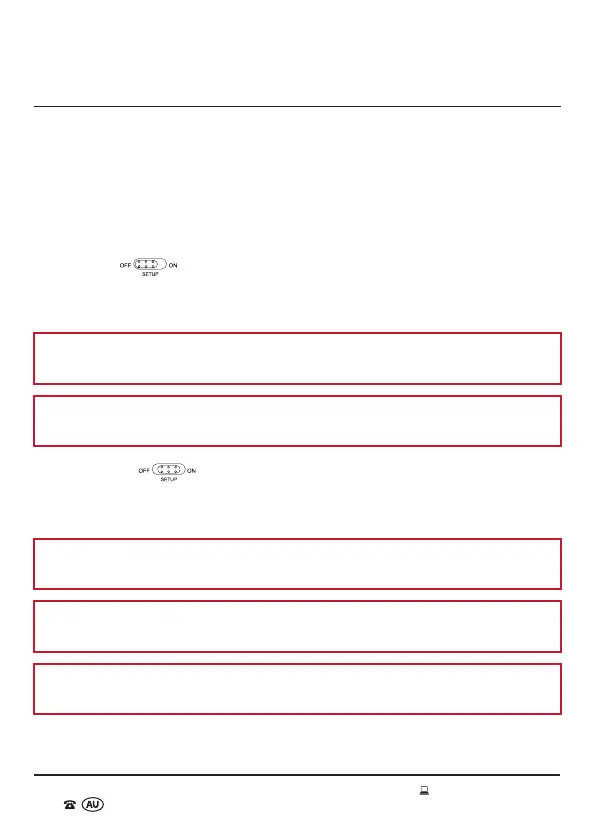
The Wildlife Camera has three modes that can be selected. The Power/Mode switch
can be found above the viewing screen in the interior of the Wildlife Camera (when the
protective case is open).
OFF Mode
To power off the Wildlife Camera, slide the Power/Mode switch to the OFF position.
The Wildlife Camera is completely powered off in the OFF mode.
NOTE: Always remove the Alkaline batteries from the Wildlife Camera when it is
not being used for a long period of time.
NOTE: It is recommended to switch the Wildlife Camera OFF when not in use, to
preserve battery power.
SETUP Mode
In SETUP mode you can access all the menu options and settings for the Wildlife
Camera. The menu options and settings available are listed on pages 21-25.
NOTE: You can also use the SETUP mode to align the Wildlife Camera. Refer to the
instructions on page 27.
NOTE: You can also manually take photos and video in the SETUP Mode. Refer to
the 'Manual Recording' instructions starting from page 30.
NOTE: The viewing screen is only activated in the SETUP mode for accessing the
menu options and viewing the saved photos and/or videos.
INSTRUCTIONS



 To Next Page