English -19
5.3. Connections
Before making any connections, disconnect the mains plug from the socket.
Operation in WLAN
mode:
the device has an integrated WLAN antenna.
Operating the FM/DAB
radio:
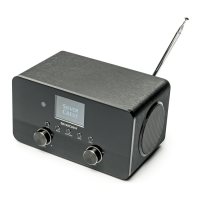
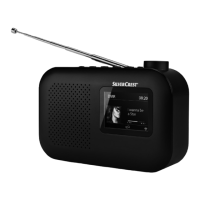
adjust the antenna on the back of the device for
reception.
Mains adapter: connect the connector plug on the mains adapter
(supplied) to the DC IN port and plug the mains plug into
a socket.
LINE OUT: connect a 3.5 mm stereo jack cable to the LINE OUT
socket to transmit the stereo sound output from the internet
radio to other audio devices.
AUX IN: connect a 3.5 mm stereo jack cable to the AUX IN
socket to play back stereo sound output from other audio
devices via the internet radio.
USB: connect a USB data medium here to play back audio
files on the data medium using the internet radio.
Headset connection: connect the 3.5 mm stereo jack plug of the headphones
to play back sound from the internet radio via the
headphones.
IAN 359937 LB8-ML 5006 8137 QSG-Content final rev4 (V7).indb 19IAN 359937 LB8-ML 5006 8137 QSG-Content final rev4 (V7).indb 19 08.12.2021 13:10:1708.12.2021 13:10:17


 To Next Page
 Loading...