English -21
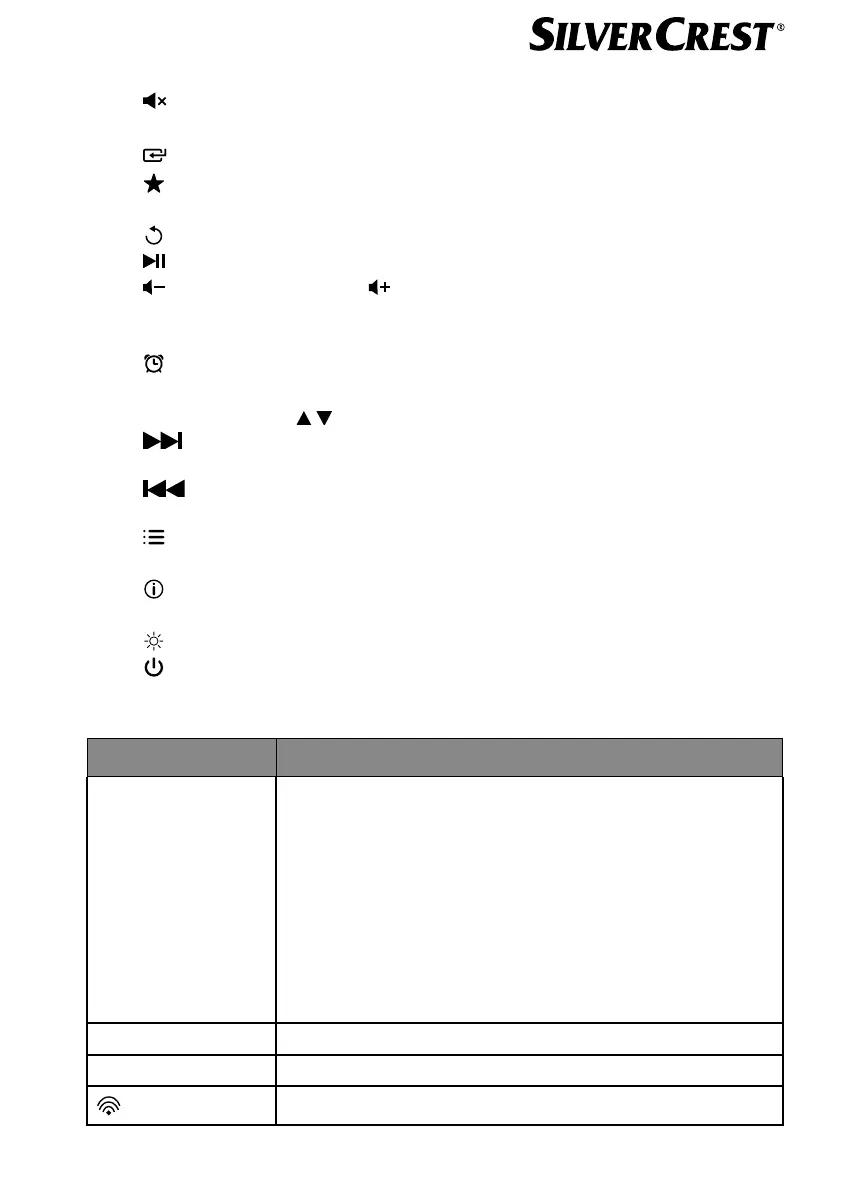
Remote control, see Fig. C
16)
button: mute
17) EQ button: set equaliser
18)
button: call up main menu
19) button: Store station/call up stored station
20) PMODE button: random playback/repeat function
21) button: back
22) button: play track/SELECT: confirm entry
23) button: decrease volume, button: increase volume
24) NUMBER BUTTONS: for entering digits and characters, directly selecting
stations
25) button: set alarm
26) SNOOZE button: set snooze function
27) Navigation buttons
button: play next track, FM station search forwards, DAB station list: call up
next station in list
button: play previous track, FM station search backwards, DAB station list:
call up previous station in the list
28) button: display menu
29) PAIR button: start Bluetooth pairing mode
30) button: Switch display view
31) SLEEP button: set switch-off time
32)
button: set display brightness
33)
button: Switch device to standby mode
7.1. Readouts on the display
Display Description
INTERNET RADIO
PODCASTS
SPOTIFY
AMAZON MUSIC
DEEZER
MUSICPLAYER
DAB
FM
BLUETOOTH
®
AUX IN
Operating mode
0:00 Current time
XX/XX/XXXX Current date
WLAN reception quality
IAN 359937 LB8-ML 5006 8137 QSG-Content final rev4 (V7).indb 21IAN 359937 LB8-ML 5006 8137 QSG-Content final rev4 (V7).indb 21 08.12.2021 13:10:2908.12.2021 13:10:29


 To Next Page
 Loading...