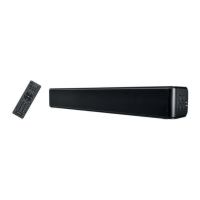
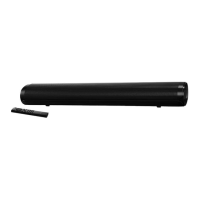
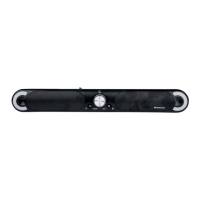
SSB 30 A1
36 - English
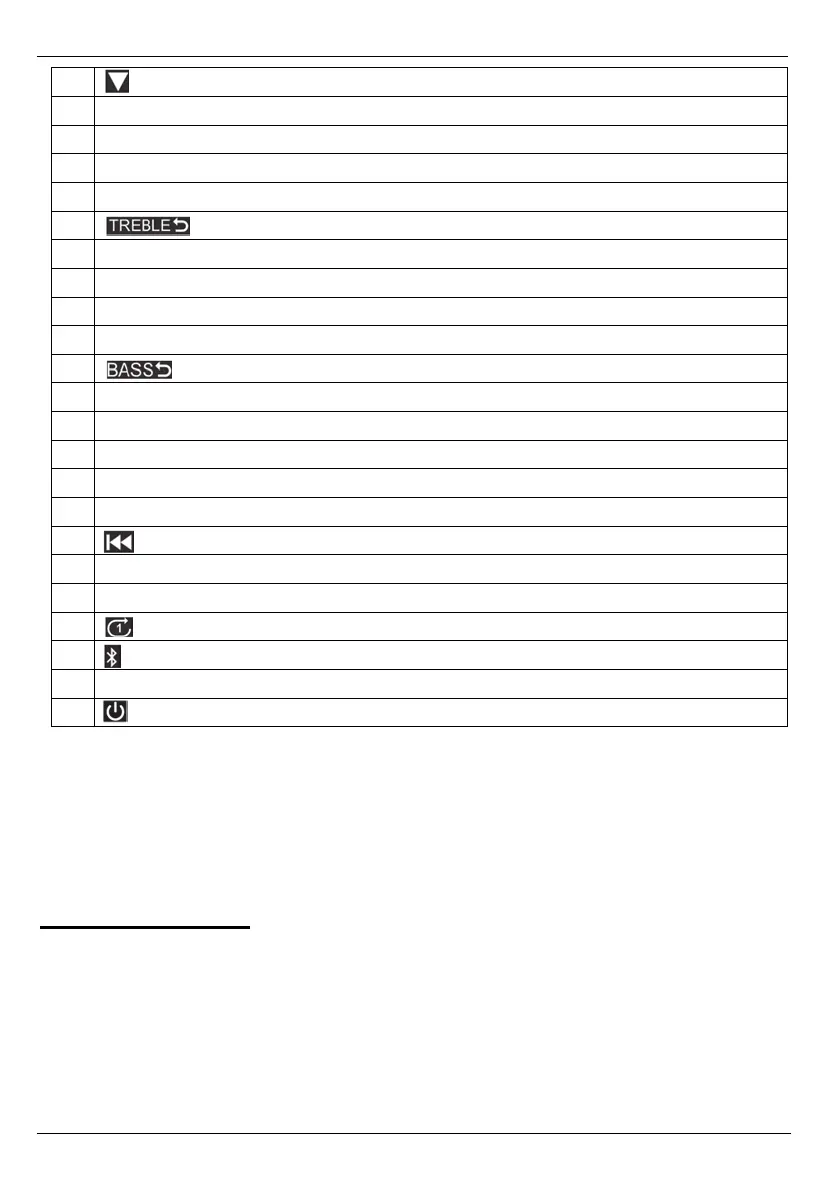
22 Subfolder switching (downwards) in USB mode
23 Increase volume
24
MUSIC Enables the equalizer for music
25
DIALOG Enables the equalizer for voice playback
26
DIAL 3D Enables the equalizer for voice playback plus simulated surround sound
27
TREBLE- Default setting
28
TREBLE+ Amplify treble
29
BASS+ Amplify bass
30 Battery compartment (on the back)
31
BASS- Attenuate bass
32
BASS- Default setting
33
TREBLE- Attenuate treble
34
MOV 3D Enables the equalizer for movie playback plus simulated surround sound
35
MUS 3D Enables the equalizer for music playback plus simulated surround sound
36
MOVIE Enables the equalizer for movies
37 Reduce volume
38 Previous title
39
PAIR Enable pairing mode for Bluetooth
®
/ Undo Bluetooth
®
pairing
40
USB Switch to USB input
41 Repeat title (1 title) in USB mode
42 Switch to Bluetooth
®
43
HDMI (ARC) Switch to HDMI ARC input
44 On/Standby
8. Before you start
Remove the sound bar and all accessories from the package and remove any plastic films. Verify that you have
received all items listed.
8.1 Positioning
The ideal position for your sound bar is centrally under your TV set. You can place the sound bar on a piece of
furniture or mount it to the wall.


 To Next Page
 Loading...