SSB 30 A1
English - 39
8.4 LED indicators
The 2 status LEDs (6, 7) change their colours depending on the operating mode and sound mode set. They
also indicate the current bass and treble settings.
8.4.1 Operating modes
Mode Left status LED (6) Right status LED (7)
Standby red off
Bluetooth
®
blue
• Flashes during pairing
• On after the device is paired
depends on the audio
setting (see 8.4.2)
HDMI (ARC)
cable
white depends on the audio
setting (see 8.4.2)
OPTICAL yellow depends on the audio
setting (see 8.4.2)
AUX green depends on the audio
setting (see 8.4.2)
USB turquoise
• Normal playback: on
• Repeat playback – 1 title: flashes once
• Repeat playback – all titles: flashes twice
• Random playback: flashes 3 times
depends on the audio
setting (see 8.4.2)
8.4.2 Equalizer settings
Mode Left status LED (6) Right status LED (7)
MOVIE depends on the operating mode, (see 8.4.1) yellow
MOV.3D depends on the operating mode, (see 8.4.1) white
MUSIC depends on the operating mode, (see 8.4.1) orange
MUS.3D depends on the operating mode, (see 8.4.1) pink
DIALOG depends on the operating mode, (see 8.4.1) green
DIAL.3D depends on the operating mode, (see 8.4.1) turquoise
8.4.3 Bass settings, treble settings
Bass and treble adjustment is possible in 5 steps each. The light intensity of the LEDs (6, 7) informs
you about the current setting:
• The more intense the luminosity of the left status LED (6), the lower the bass or treble setting.
• The more intense the luminosity of the right status LED (7), the higher the bass or treble setting.
You can adjust the settings by pressing the buttons for the “BASS“ setting (29, 31) or the “TREBLE“ setting
(28, 33). You can use the (27, 32) buttons to reset the values to the average level.
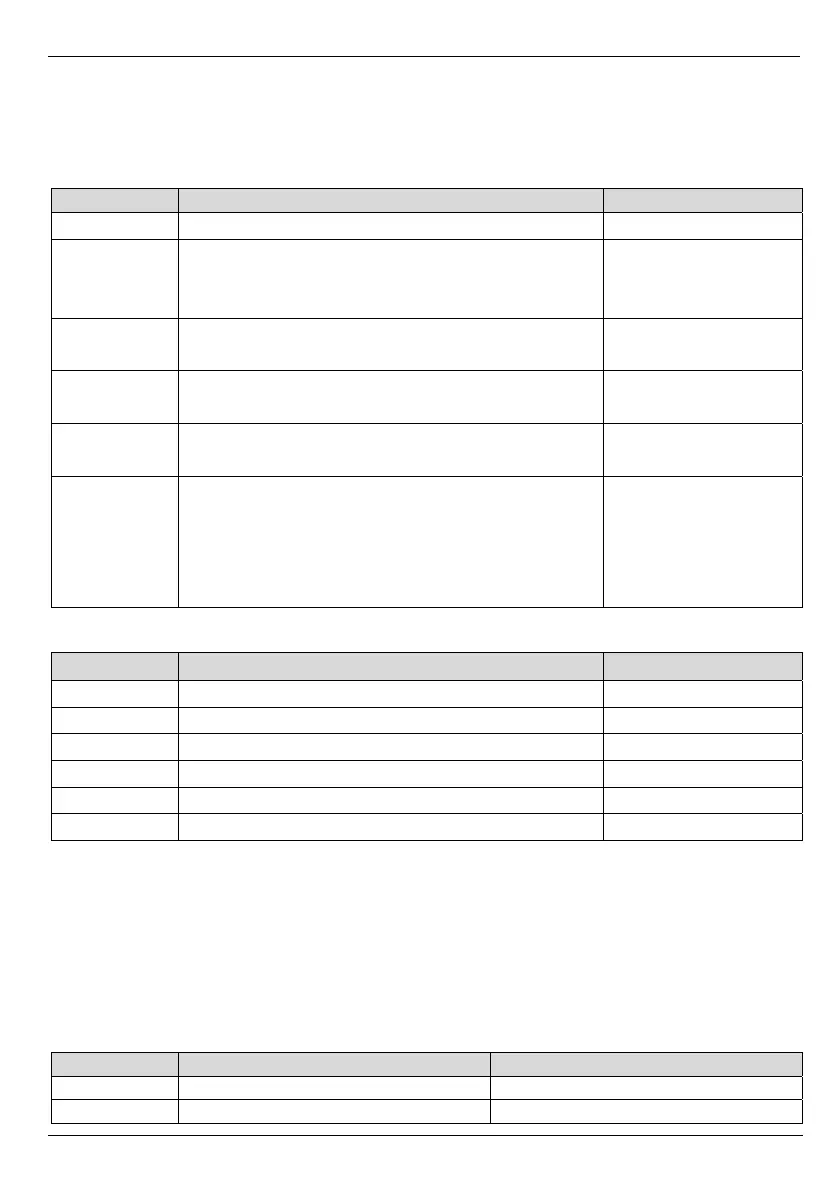
Mode Left status LED (6) Right status LED (7)
BASS red (intensity depends on setting) red (intensity depends on setting)
TREBLE green (intensity depends on setting) green (intensity depends on setting)


 To Next Page
 Loading...