SYSTEM OPERATIONS-36
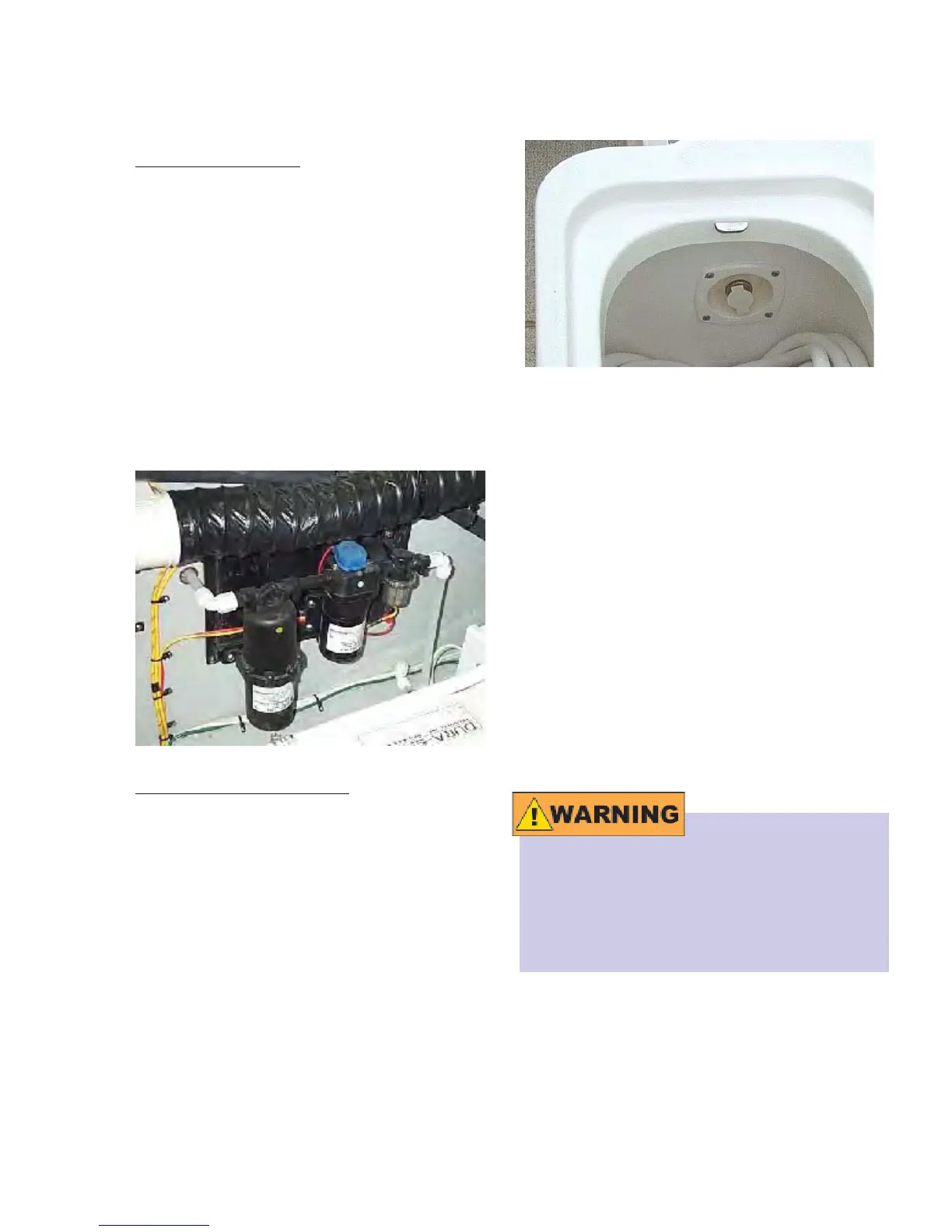
The photo below shows the Fresh Water
Inlet at the cockpit.
This system operates independently of
the Fresh Water Pump System and simply
depends on its connection to a suitable
garden-type water hose for its supply of
fresh water. When the water supply is
connected to the water inlet and turned
ON, the system is automatically pressur-
ized without the need for the fresh water
pump. The water entering this system will
not fi ll the fresh water tank; a check valve,
located in the pressure line of the fresh
water pump, prevents the water from en-
tering the fresh water tank. Be sure to turn
OFF the fresh water pump at the AC/DC
Panel when connected to the shore water
supply.
Connect this system ONLY to a potable
water system that is safe for drinking.
DO NOT use water that may be of ques-
tionable quality as serious illness or
death may occur.
When you are connecting your system
to a dockside water supply, be certain to
examine all connections and water lines
fresh water pump will automatically return
to operation.
Fresh Water Filter:
The water pumped from the fresh water
tank fl ows through a fi lter located on the
suction side of the fresh water pump. Its
purpose is to remove impurities that may
be present in the fresh water system prior
to its consumption. The fi lter is easily
removed from the fresh water pump and
should be cleaned on a regular basis.
The photo below shows (from left to right)
the Accumulator, Fresh Water Pump, and
the Filter. The accumulator maintains a
constant pressure throughout your water
system.
Dockside Water Supply:
The other source for water is the Dockside
Water Supply. This water source is for
when you are docked and have potable
water as a source at the dock. Your 34C
is equipped with a dockside water inlet
located in the transom storage compart-
ment.



 To Next Page