DE
5. Installation
18
Installation
5.
5. Installation
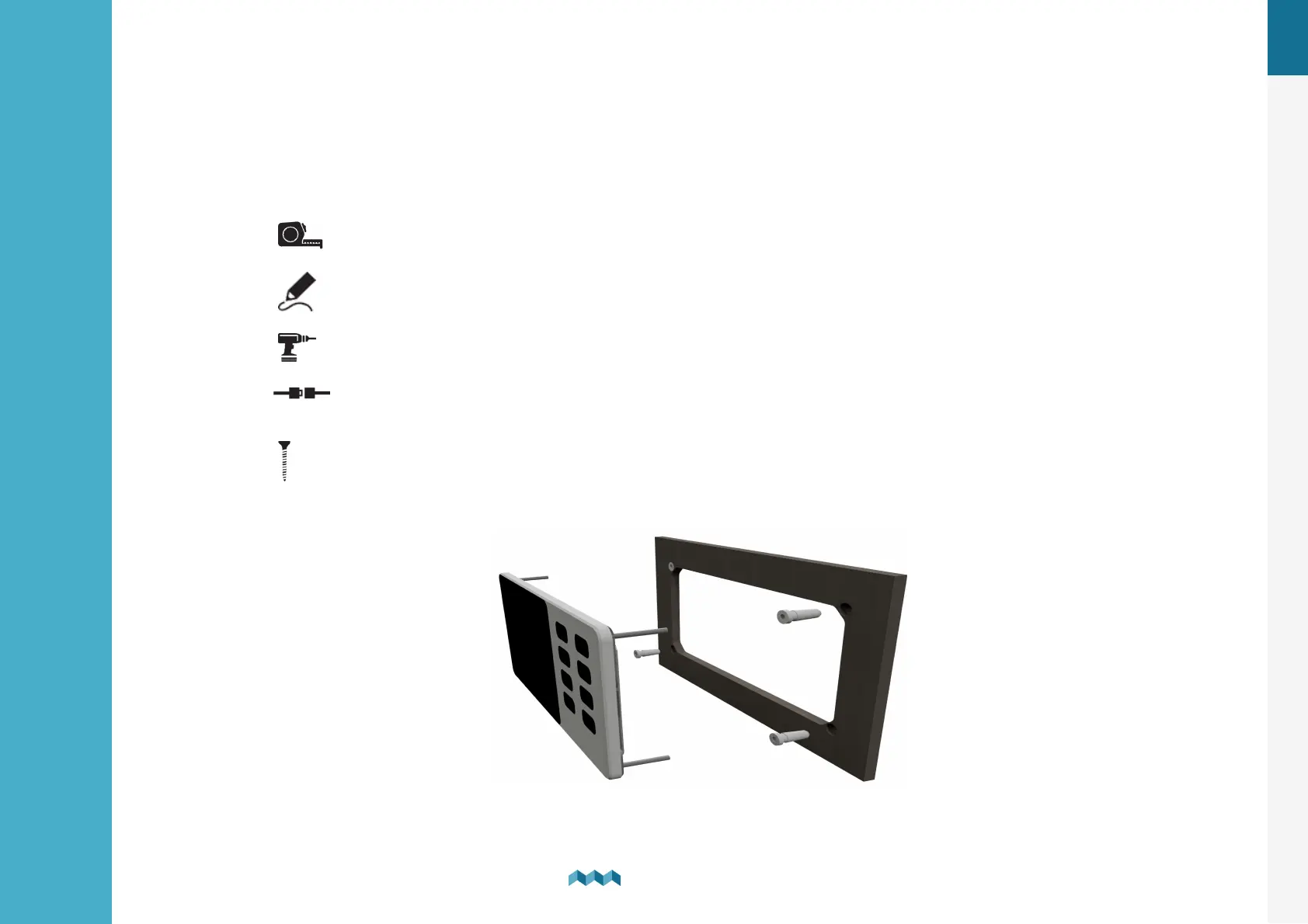
VIA should be installed in a visible place to provide good readability. The mounting process and installation cutouts depend
on the model, as described in the following sections.
Mounting steps:
1. Before drilling, check if there is enough space to mount the panel.
2. Mark mounting holes using the supplied installation template.
3. Drill all holes.
4. Connect the connector on the back of the VIA to the splitter cable (be sure to align the pins correctly) and
fasten it by turning the safety ring clockwise.
5. Finish mounting the VIA on the back side with the supplied threaded rods and nuts. Screws, rods, and nuts MUST
be fastened by hand. Excessive force may damage the threads on the VIA.


 To Next Page