DE
7. Device configuration
42
Device configuration
7.
7.3
Devices
Here you can manage all the devices connected to your VIA. When you connect a new module to your VIA system (e.g. a
new shunt), some new devices will automatically appear on the device list (e.g. current sensors, voltmeters, ohmmeters, etc.).
These devices automatically appear because they are integrated into the modules. But “secondary” devices – those that are
connected to the modules (BATTERIES, TANKS, THERMOMETERS, and analog INCLINOMETERS) – will not be added
automatically. If you connect a new battery, tank, or thermometer, you have to add and configure the new device manually in
the DEVICES menu.
Devices are classified into device types.
To view, manage, add, or delete a specific device, please select the corresponding device type from the list (e.g. BATTERIES,
TANKS, etc.).
7.3.1
Batteries
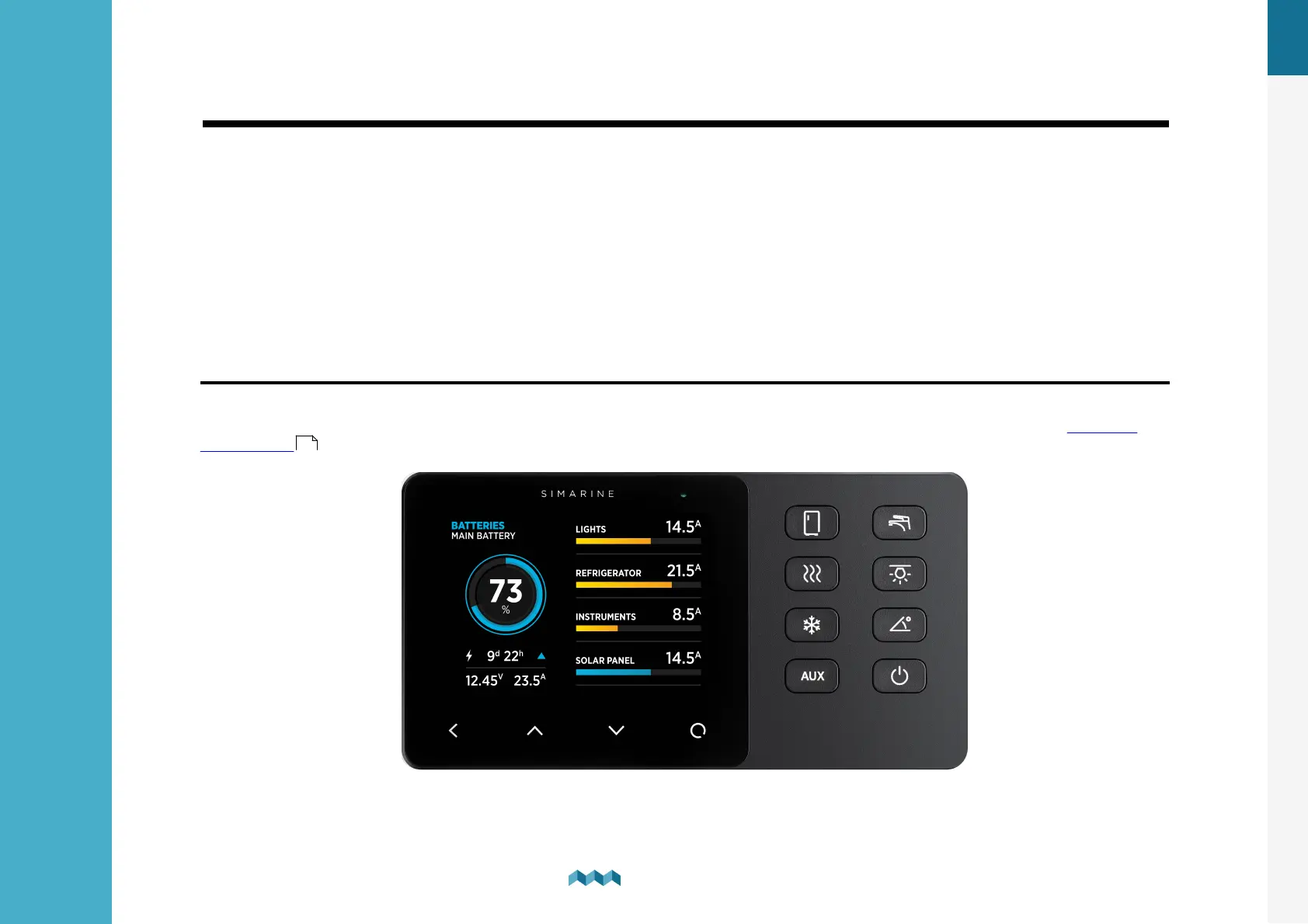
List of batteries that you have added to your VIA. By selecting a specific battery, you can view or change its settings or
delete the battery if necessary. By selecting “Add new”, you can add a new battery. For more information go to Adding a
new battery .
25


 To Next Page