DE
7. Device configuration
38
Device configuration
7.
7. Device configuration
You can enter the settings menu by long pressing the button. To navigate through the list, use up and down arrow buttons.
To select an item, press the enter button. To navigate one level back, use the back button.
7.1
General settings
This menu offers screen, language, units, and sleep settings.
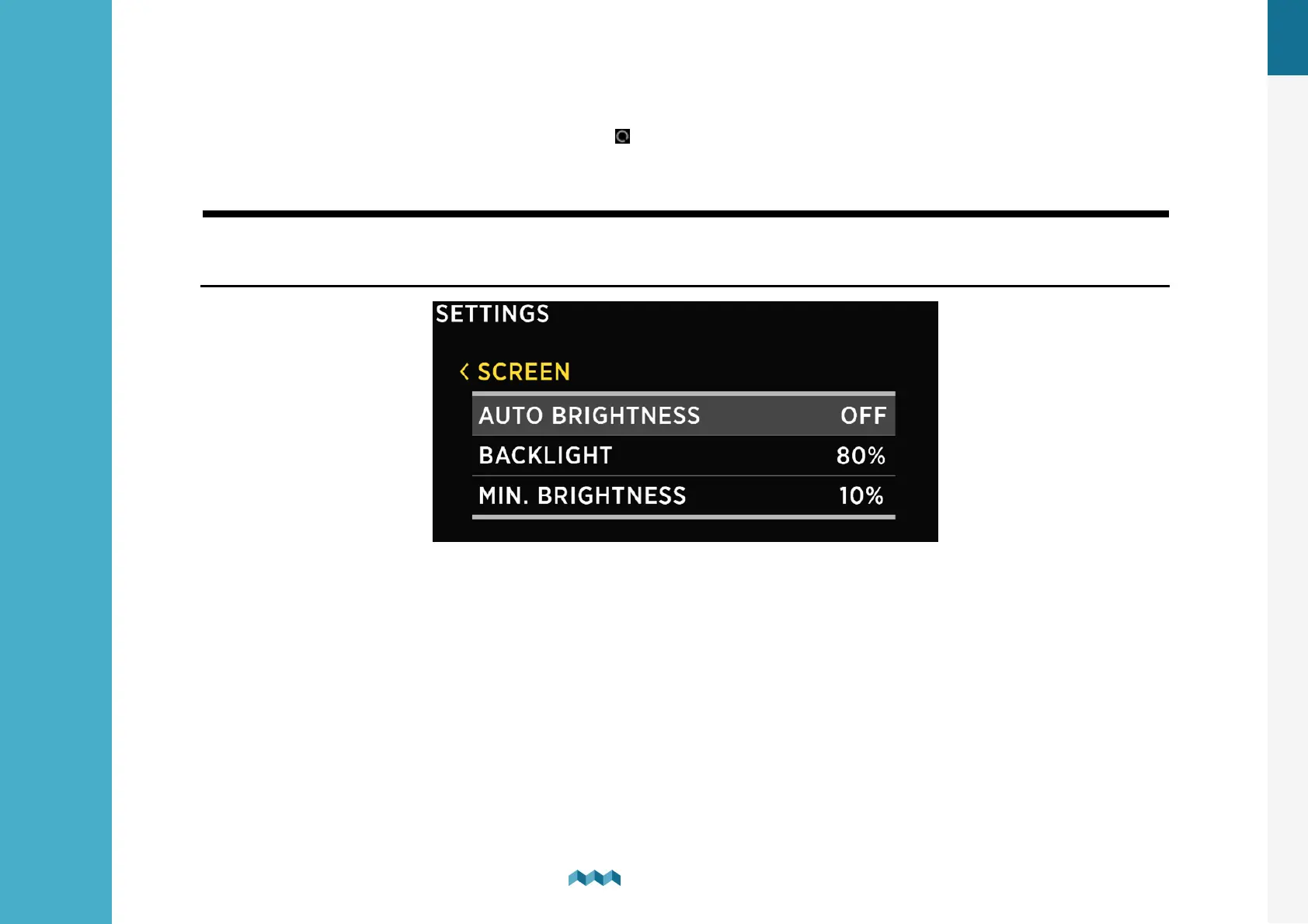
7.1.1 Screen
AUTO BRIGHTNESS - When auto-brightness is enabled, the internal light sensors automatically adjust the screen brightness
to match the ambient lighting conditions.
BRIGHTNESS - The brightness level used during normal operation. When AUTO BRIGHTNESS is enabled, this is the maximum
brightness level.
MIN. BRIGHTNESS- Min. brightness has two functions.
1. When PICO is in sleep mode, the illumination is set to min. brightness level.
2. When AUTO BRIGHTNESS is enabled, it defines the minimum illumination.


 To Next Page